
Privacy
On your device. 9xSnap does not upload your clips, screenshots or recordings, and does not sync them to a cloud. Account and license checks connect to 123sudo with your UID.
Capture screenshots on Windows, macOS and Linux. Start free with your 50 newest captures and clips. Pro adds full history, editors, screen recording and export.
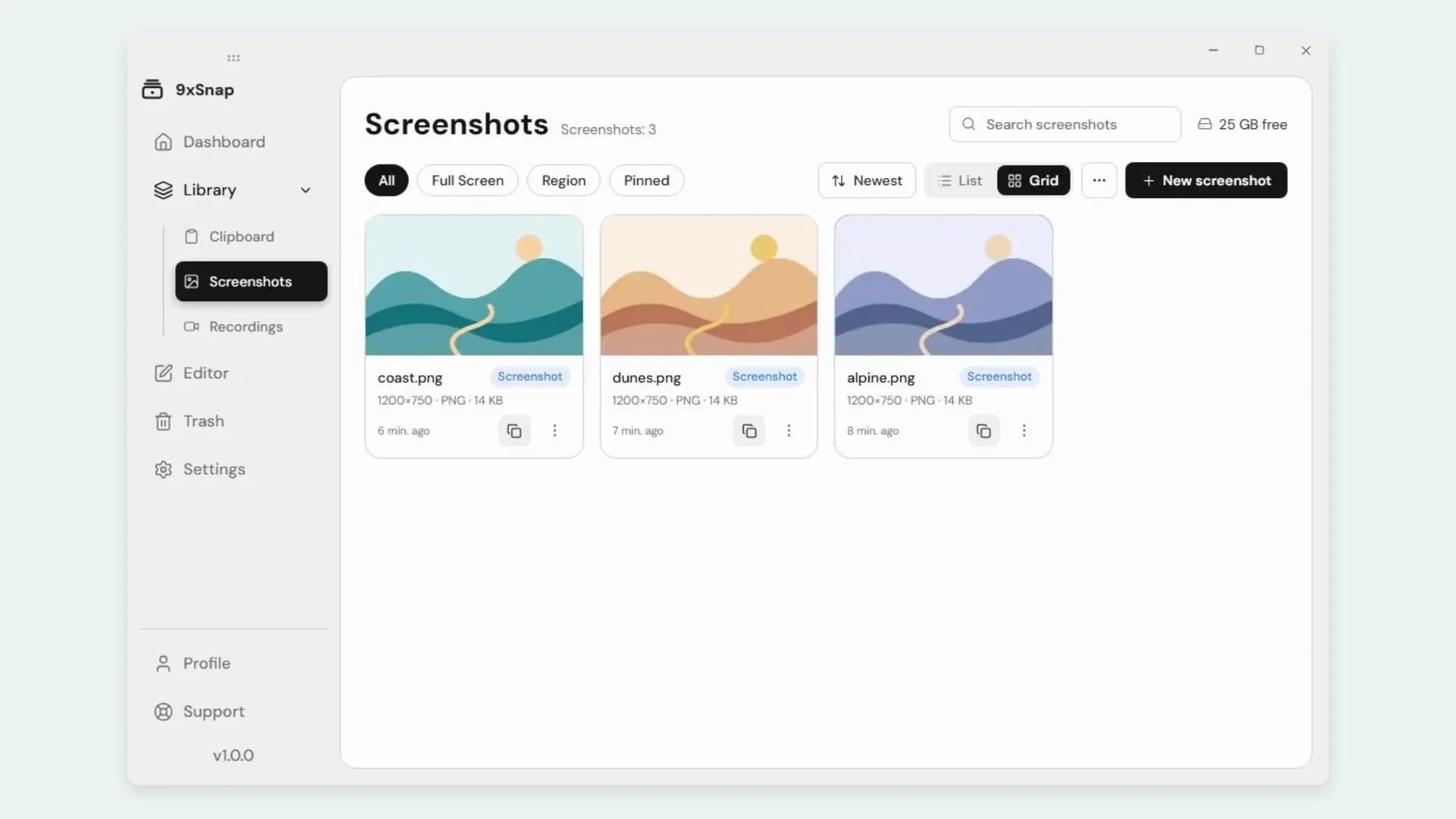
From a quick screenshot to an edited recording, everything you save stays in one searchable history.
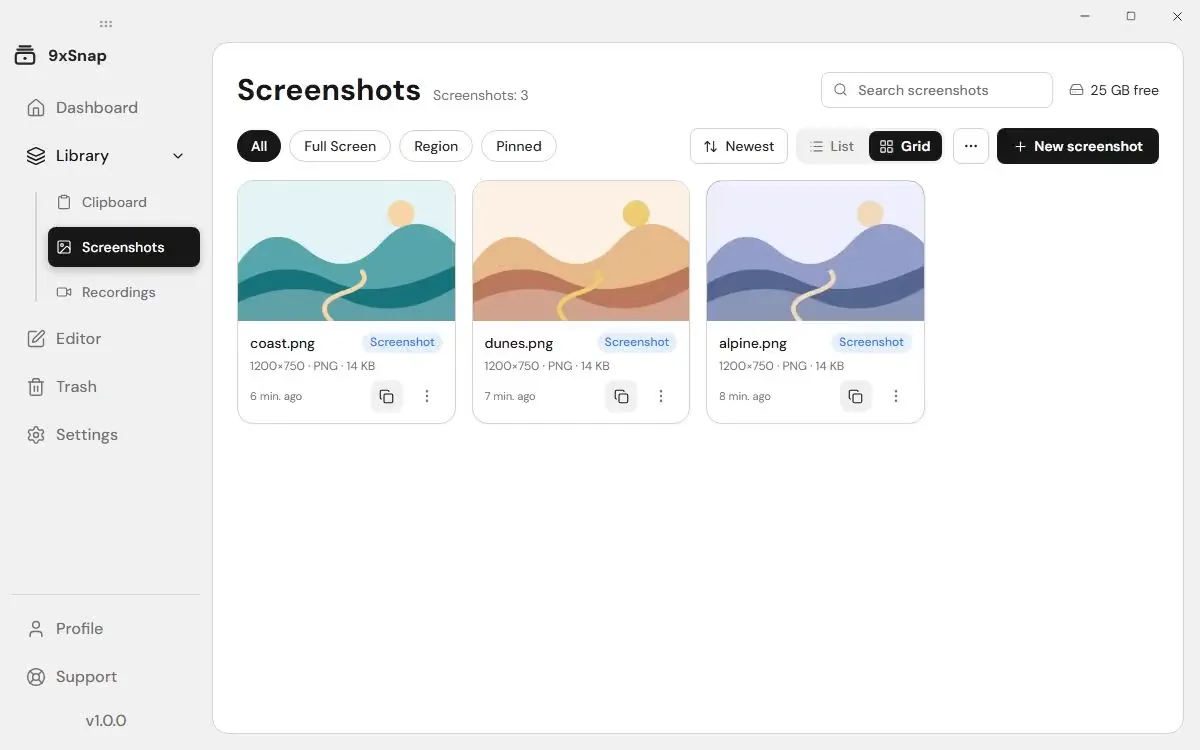
Take a screenshot and find it in your history.
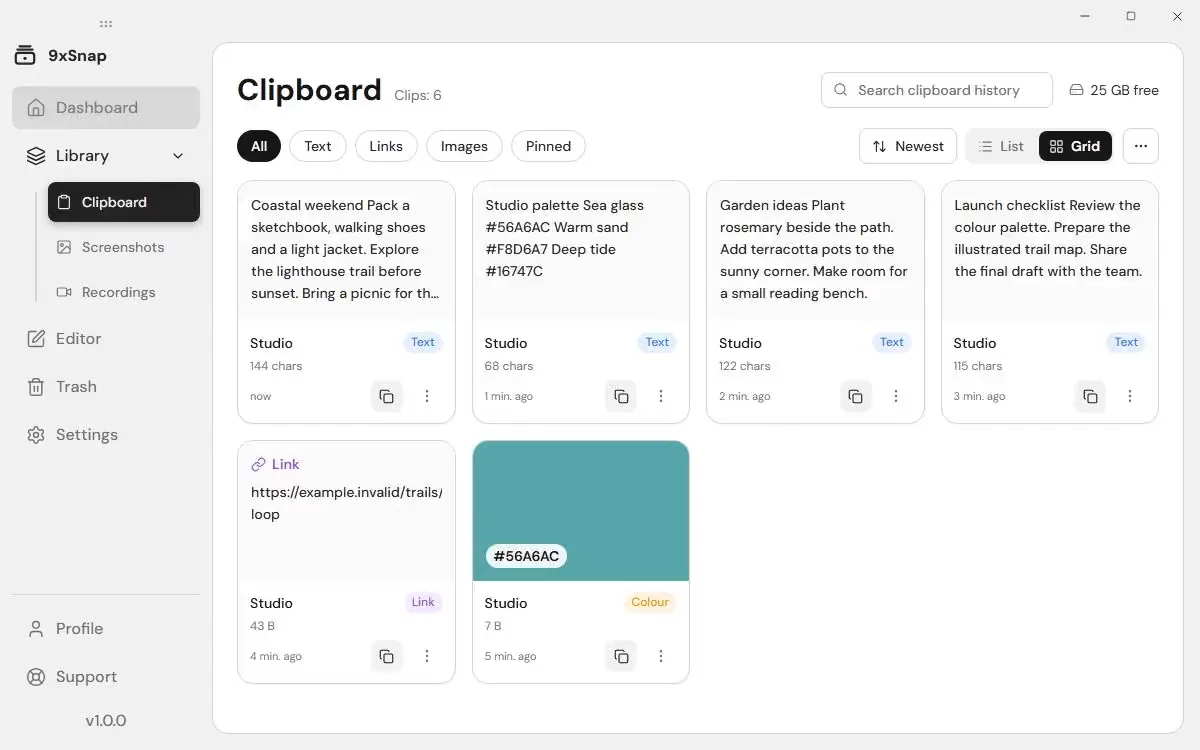
Search your captures and clips. Free opens the newest 50 entries; Pro opens the full retained history.
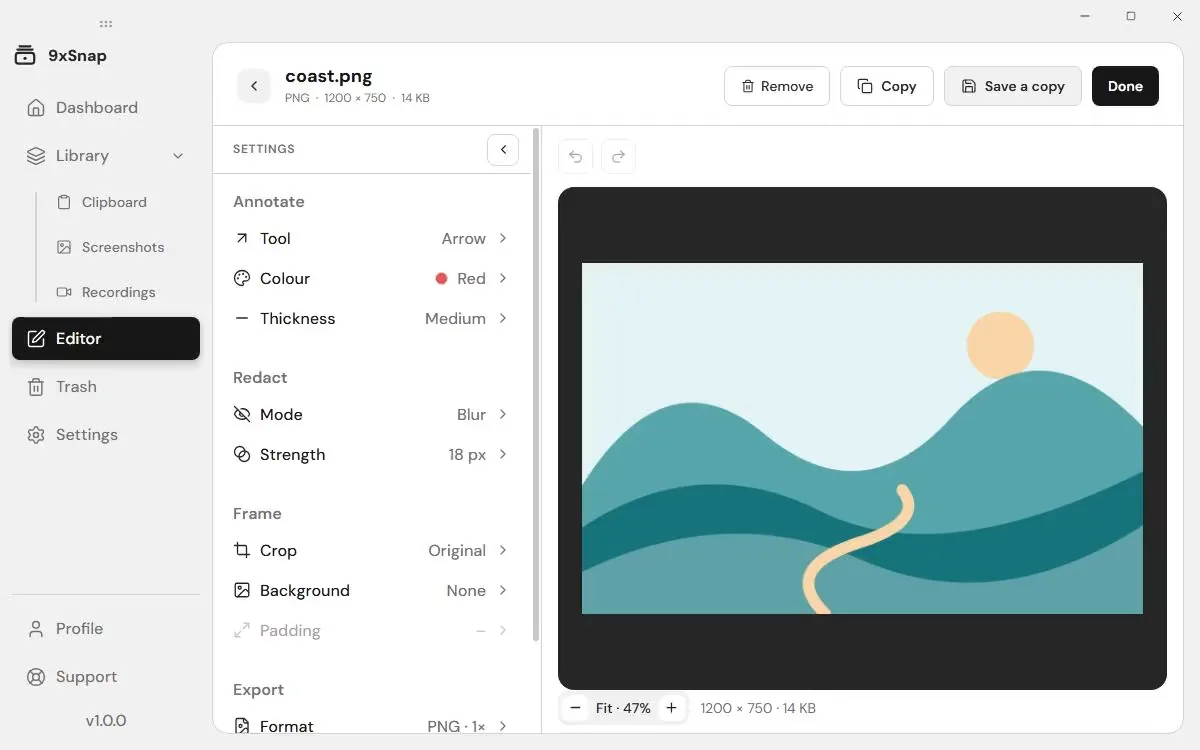
Crop and annotate images before sharing them.
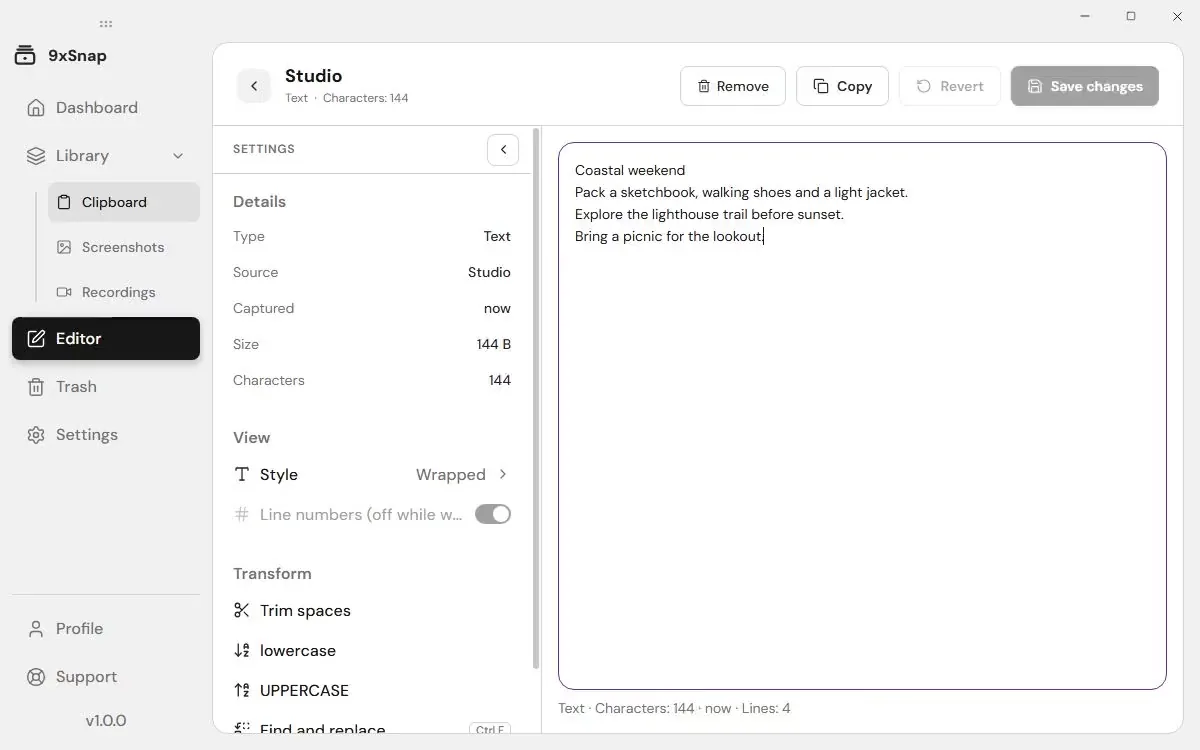
Edit saved text and keep the changes in your clip.
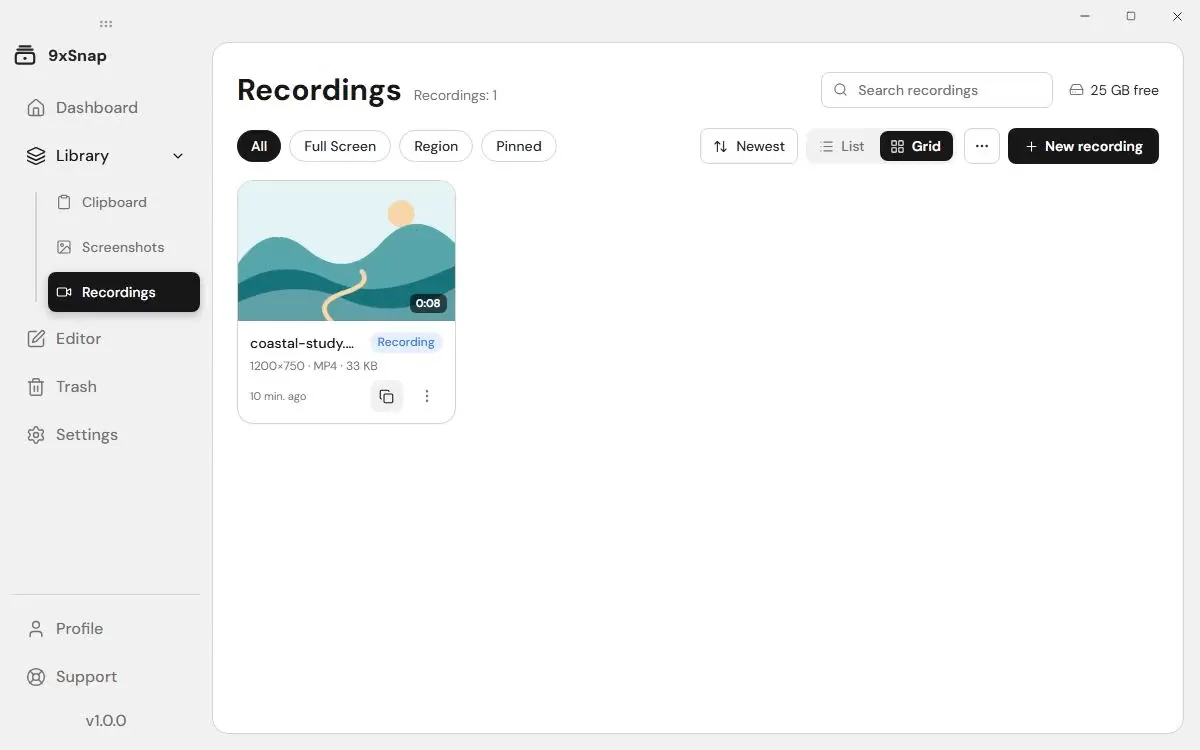
Record your screen and review the result in your history.
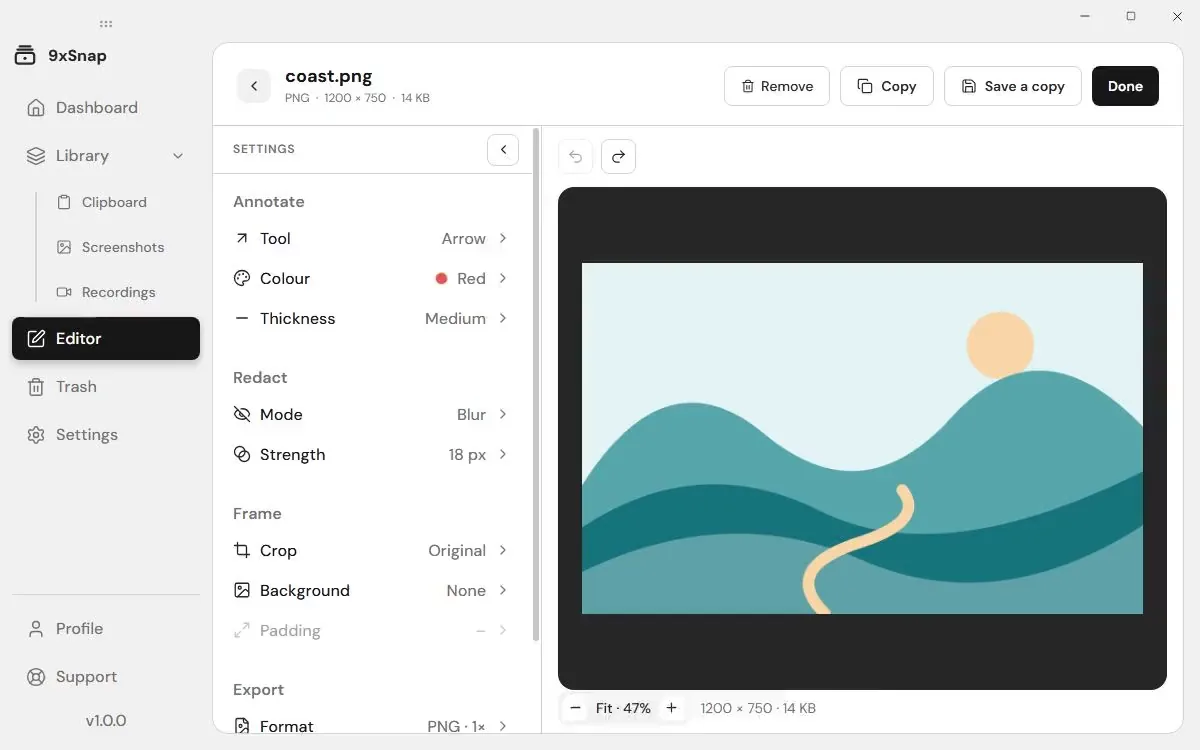
Export images and recordings when they are ready to share.
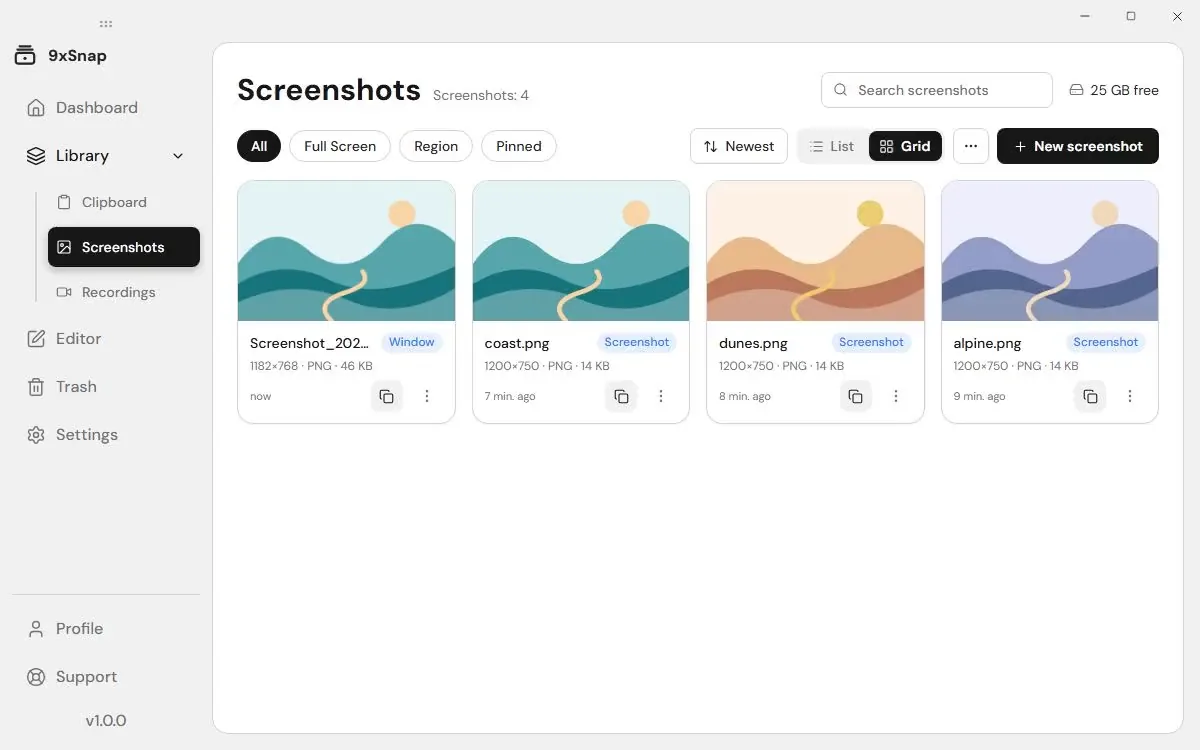
Capture a chosen window instead of the whole desktop.
On your device. 9xSnap does not upload your clips, screenshots or recordings, and does not sync them to a cloud. Account and license checks connect to 123sudo with your UID.
Search your captures and clips. Free opens the newest 50 entries; Pro opens the full retained history.
Take a screenshot and find it in your history.
All the answers you need - from setup and features to pricing and security.
Detected secrets are saved locked, and password fields are never saved.
Yes, with Pro. Full-screen and region screenshots are free; window capture requires Pro.
Yes. Copy text, links, code, images or files in any app and 9xSnap keeps them in your history. Copying the same thing again moves it to the top instead of adding a duplicate.
Yes, with Pro. Choose the screen, a window or a region, and turn on the microphone if you want your voice in the recording.
Yes. Add them to Excluded apps in Settings, and nothing you copy in those apps is saved.
It moves to Trash, where you can preview and restore it until you empty Trash. Review items before you delete them for good.
Get started in under a minute. No forced monthly fees, no credit card needed. Just fast, powerful tools right on your computer.
Get Started