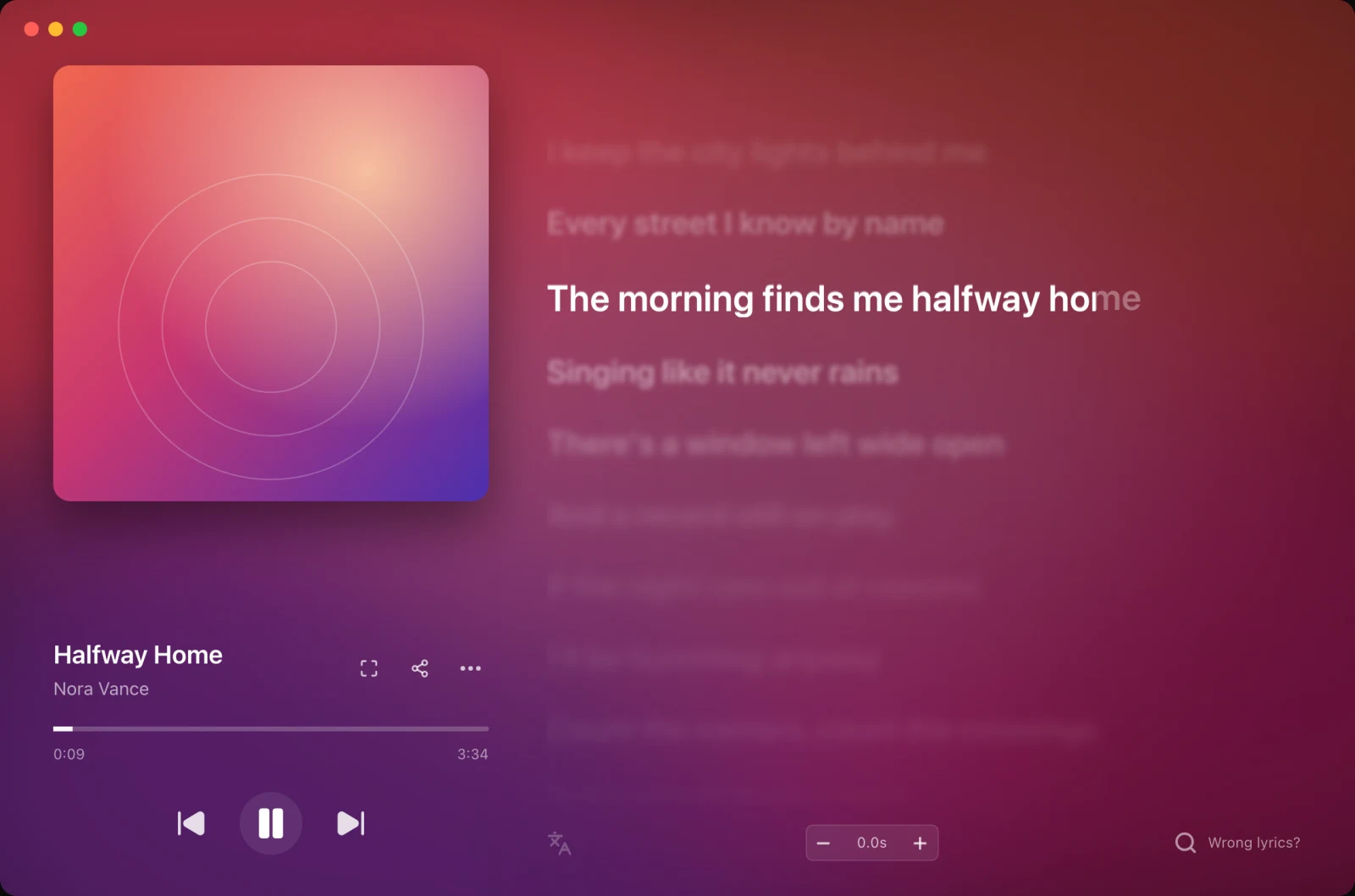
Any music app
Spotify, Apple Music, TIDAL, your browser or the songs on your computer: 9xLyrics follows what is playing and keeps the words in time.
Follow your favourite music app or play local songs in 9xLyrics, with lyrics in time. Local playback, listening history and the standard Lyrics Window are free; desktop overlays are Pro. Lyric and metadata lookups contact online sources.
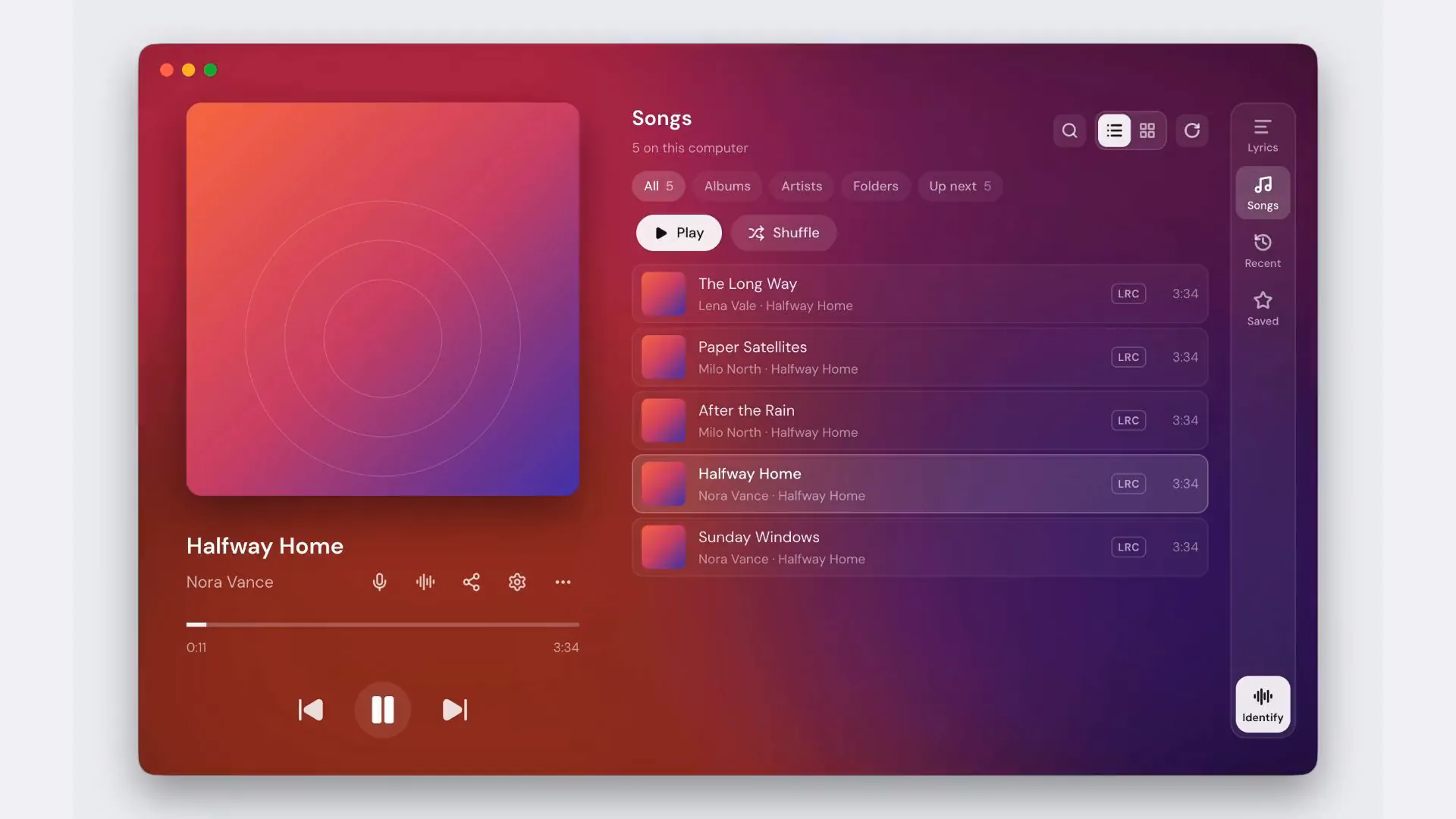
Pick the surface that fits the screen you actually have, from a panel you can read at a glance to the whole song with click-to-seek.
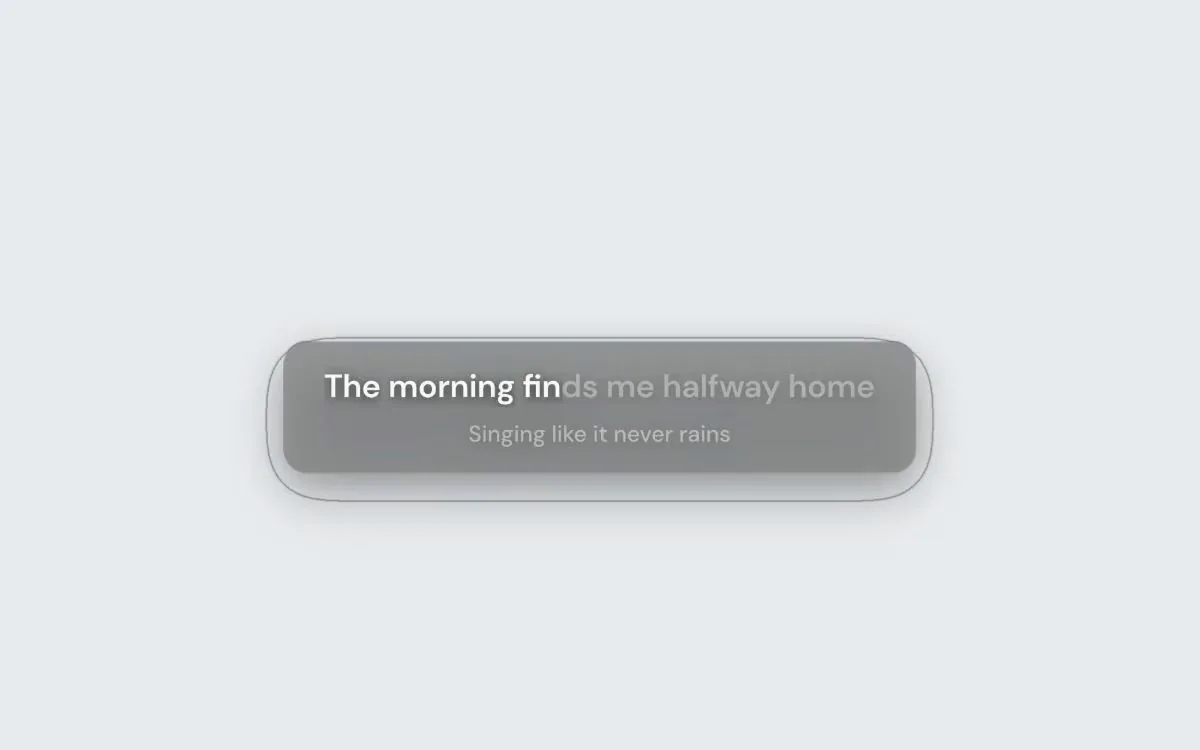
The current line over your other windows, on every display and workspace if you like. Keep it always on top, or let it hide while a full-screen app is in front. Let every click pass through it, or fade it while the pointer is over it. With both off, hover for its toolbar, drag it anywhere and lock the position.
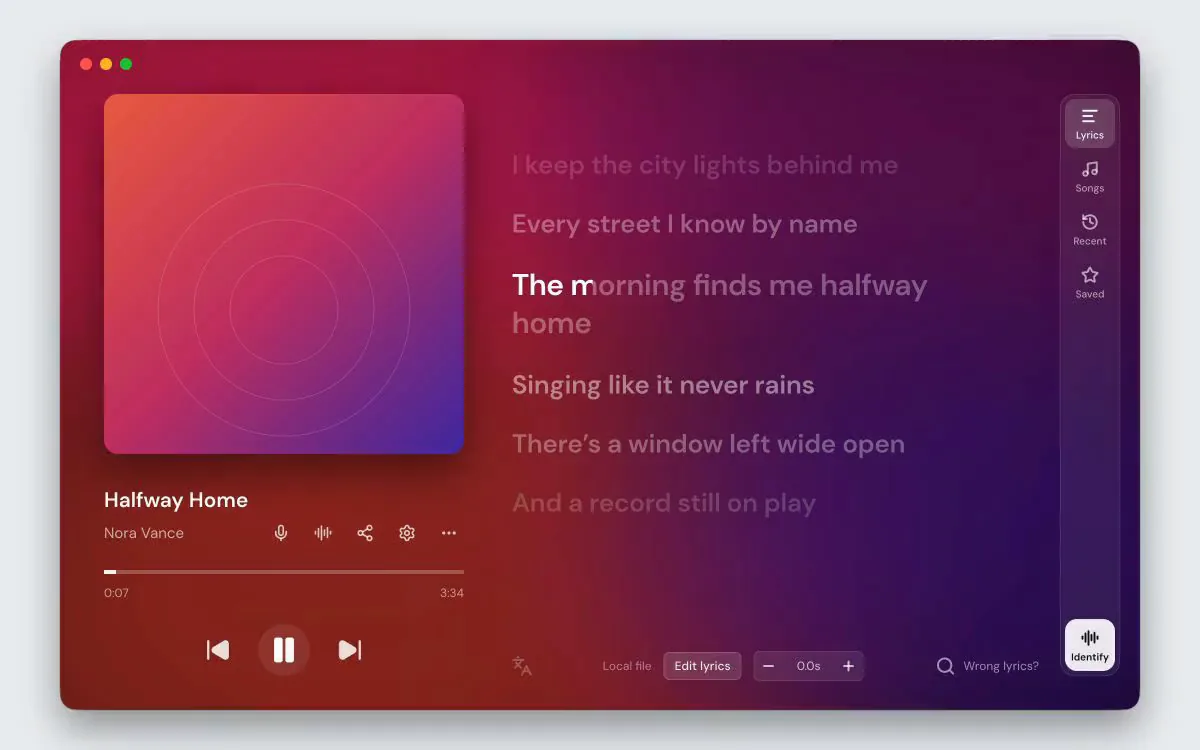
Read every line, click to seek and keep your favourites. Use Songs to play local music, Recent to revisit listening history and Saved for starred lines. These views are free; editing lyrics, album colours and artwork backgrounds require Pro.
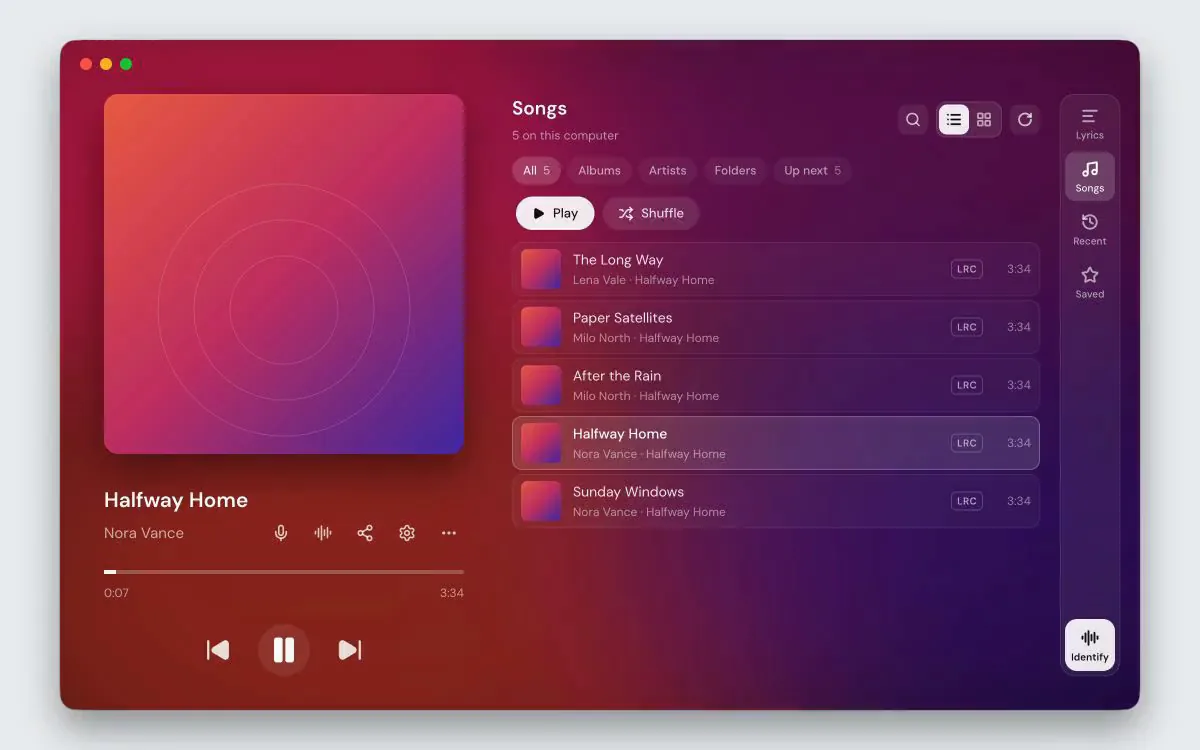
Play songs on this computer, browse albums, artists and folders, and manage shuffle, repeat and Up next
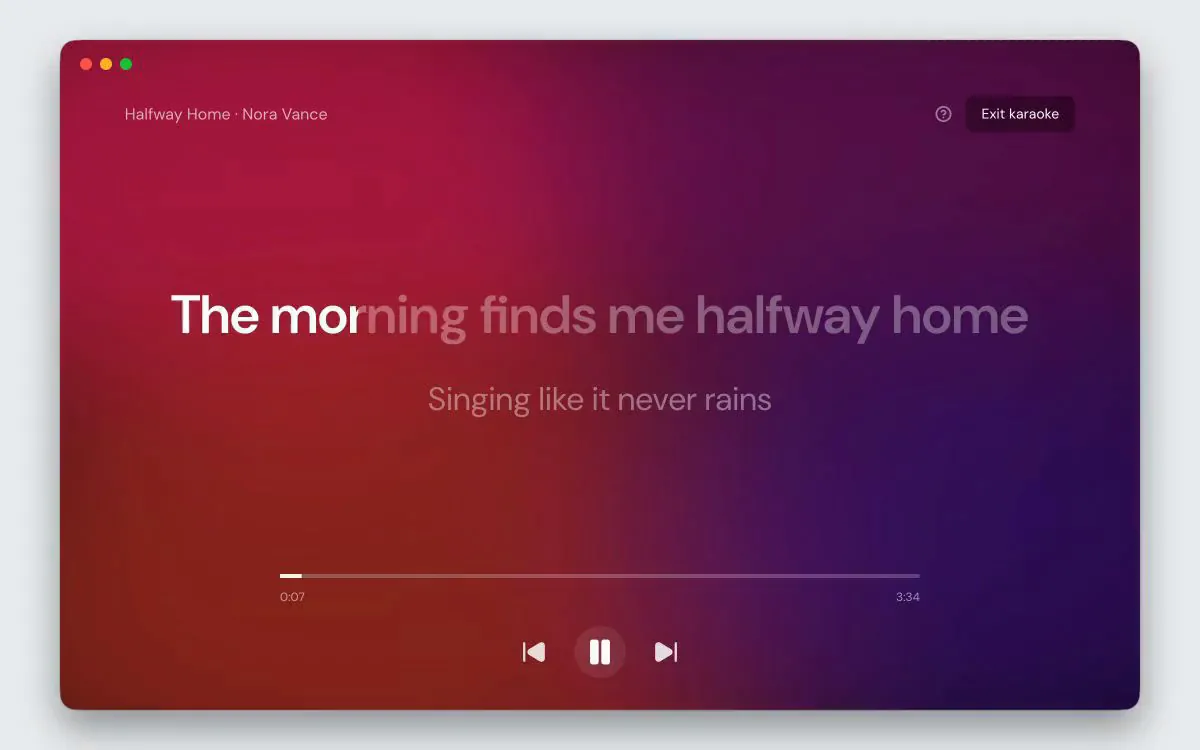
The current line big enough to read across a room, filling as it is sung. Lyrics with per-word timing light up word by word; the rest sweep across the line. Seeking and the transport still work.
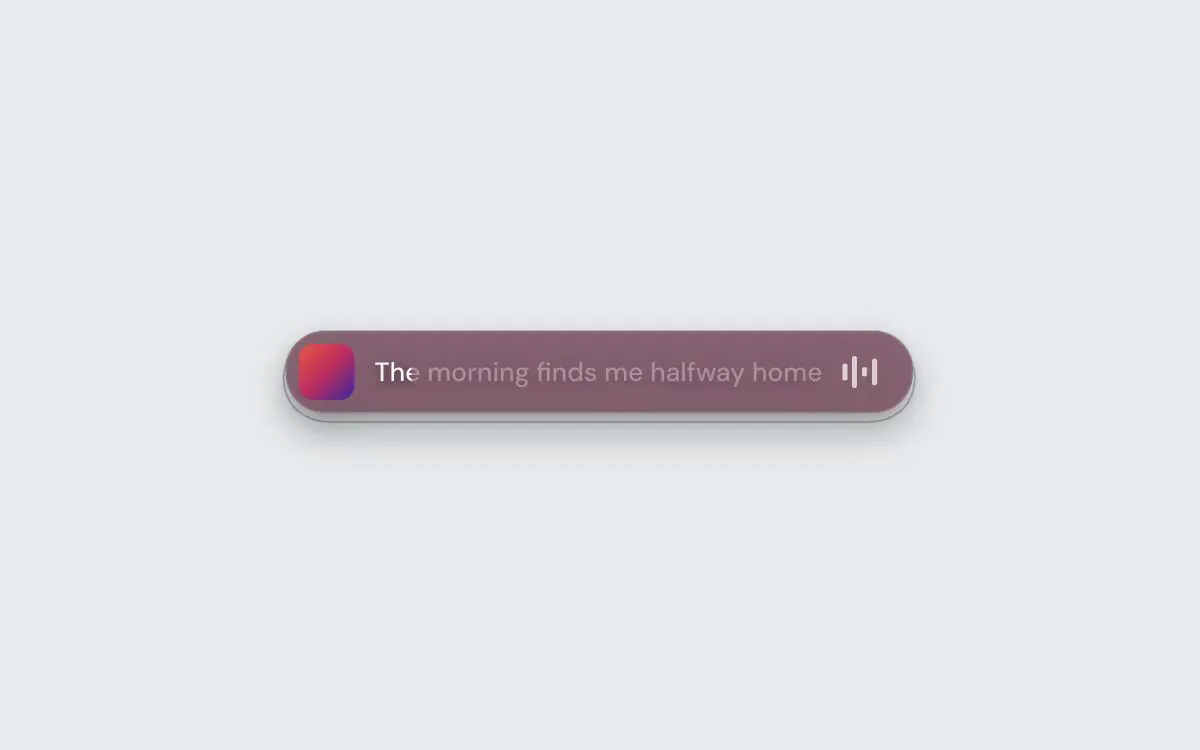
Cover, lyrics and a level meter in a pill that starts at the screen edge. Hover for playback controls and a drag handle, or turn on click-through so it stays visible while every click reaches the window behind. Move it anywhere and lock its position.
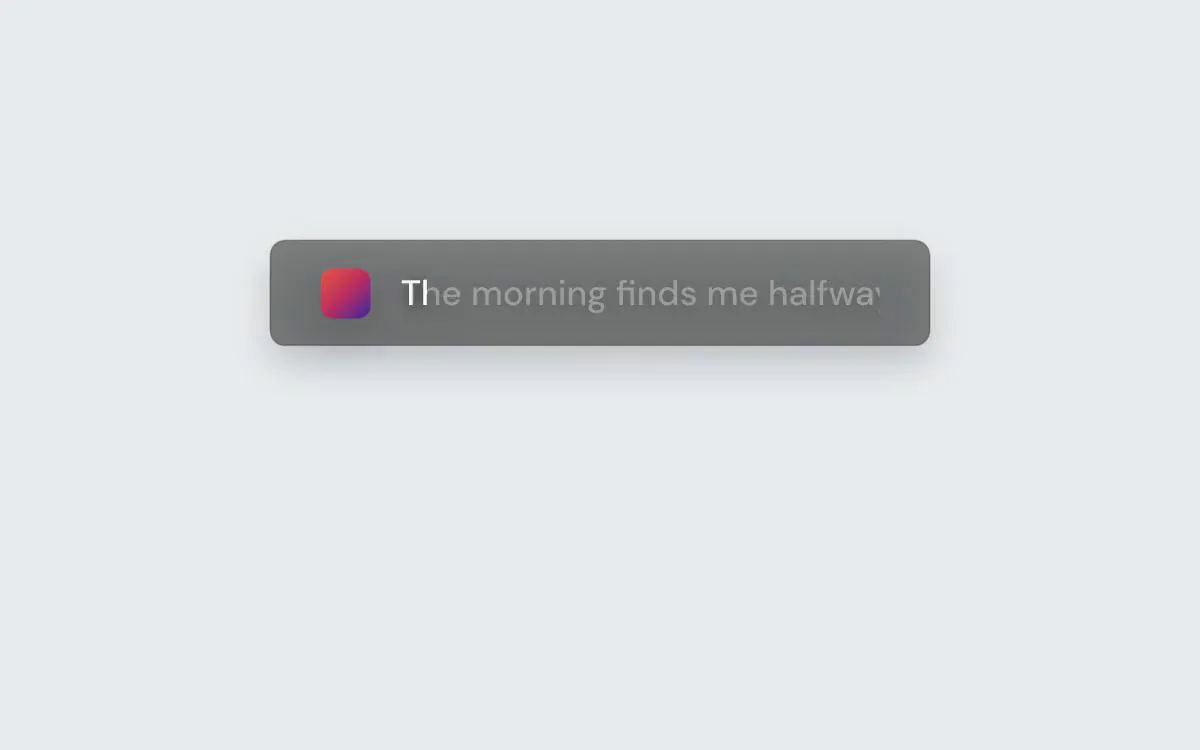
A thin band along the top or bottom edge. Clicks pass through it by default, so it can sit over other windows, or let it fade while the pointer is over it.
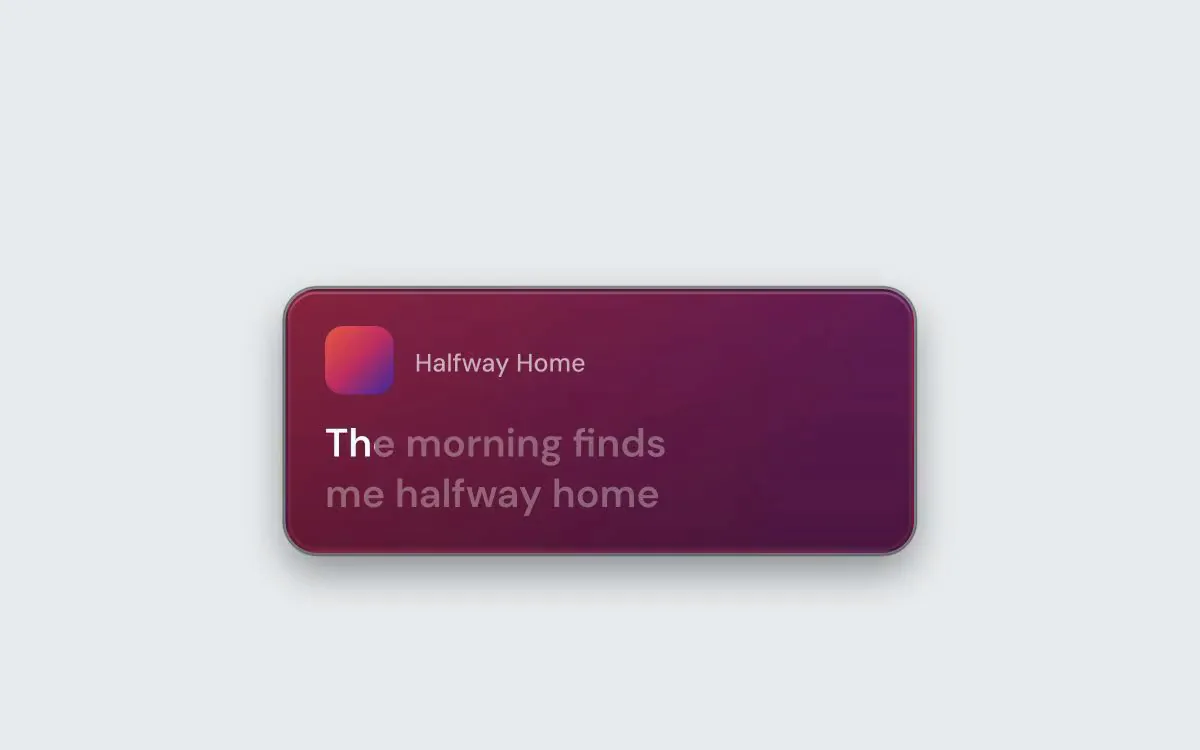
A player card in four styles, with playback controls and a drag handle on hover. Lock its position, let every click pass through it, or fade the whole card on hover.
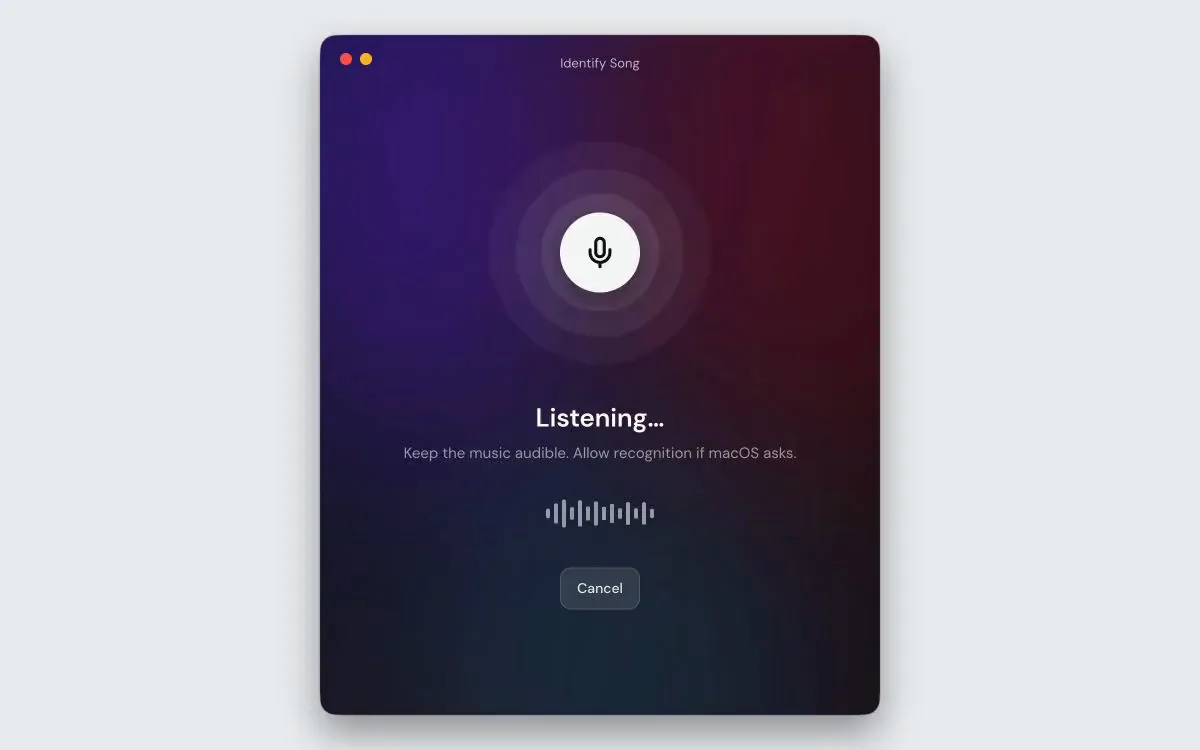
Not on this computer — in the room. A speaker, a car, a cafe. 9xLyrics recognises the track with no window in the way: the lyrics simply start following it. It listens when you ask, keeps up with the room only if you tell it to, and lists every match in the Library.
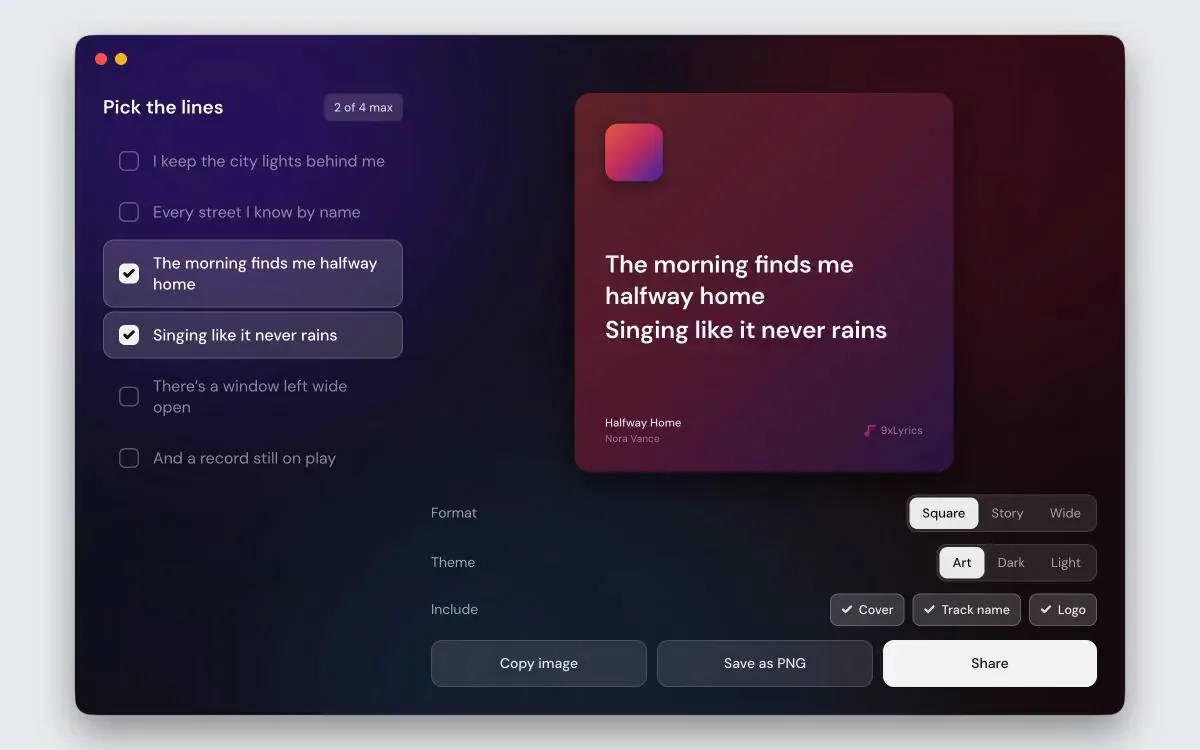
Tick up to four lines and get a card drawn from the song's own artwork, square for a post, tall for a story, wide for anything else. Start from the song playing or from lines you saved in the Library. Copy it to the clipboard, save it as a PNG, or hand it to the share sheet.
Spotify, Apple Music, TIDAL, your browser or the songs on your computer: 9xLyrics follows what is playing and keeps the words in time.
Float the current line over your work, dock a Mini Bar or an Edge Strip, park a widget or open the whole song with click-to-seek. The Lyrics Window is free; Pro adds every overlay.
What is playing is read on your computer and never sent anywhere. Your history and saved lines stay on your computer, and a lyric lookup sends only the song's details.
All the answers you need - from setup and features to pricing and security.
Yes. Pro includes Follow music player in Playback settings. Opening a supported native player opens the installed app. When that player quits, an automatically opened session quits too. A session you open yourself stays independent. Automatic waits for all supported native players to quit; browser tabs do not trigger this setting.
Automatic follows music reported by your operating system, including supported browser sessions. You can also select Apple Music, Spotify, TIDAL, Deezer, Amazon Music, Qobuz, VLC, foobar2000 or Windows Media Player where available. Selecting a player limits normal detection to that app. Support and playback controls depend on your operating system and player.
From several lyric sources, matched to the song by its title, artist and length. Your own .lrc files are checked first and beat anything online. When the automatic match is wrong, Pro lets you search the sources yourself, paste or load your own lyrics, or use a YouTube video's captions, and keeps your choice for that song.
Yes, with Pro. The lyrics editor lets you fix words, add or delete lines and set each line's time as the song plays, or take the timing from a synced version of the song. Changes save themselves, and lyrics you save follow the song to any player.
A free list in the Lyrics Window of songs you played, songs you identified and lines you starred. Open a song to read its lyrics again, even after a restart. It stays on your computer; you can turn it off or clear it in Settings.
Detecting what is playing happens entirely on your computer and is never sent anywhere, and the Library's history stays on your computer. Looking up lyrics sends song details to lyric sources. Untagged local songs can send their cleaned filename to online music catalogues. Using a YouTube link asks YouTube for that video's captions. Optional song recognition uses the microphone and sends recognition data to the recognition service.
Get started in under a minute. No forced monthly fees, no credit card needed. Just fast, powerful tools right on your computer.
Get Started