
 9xconvert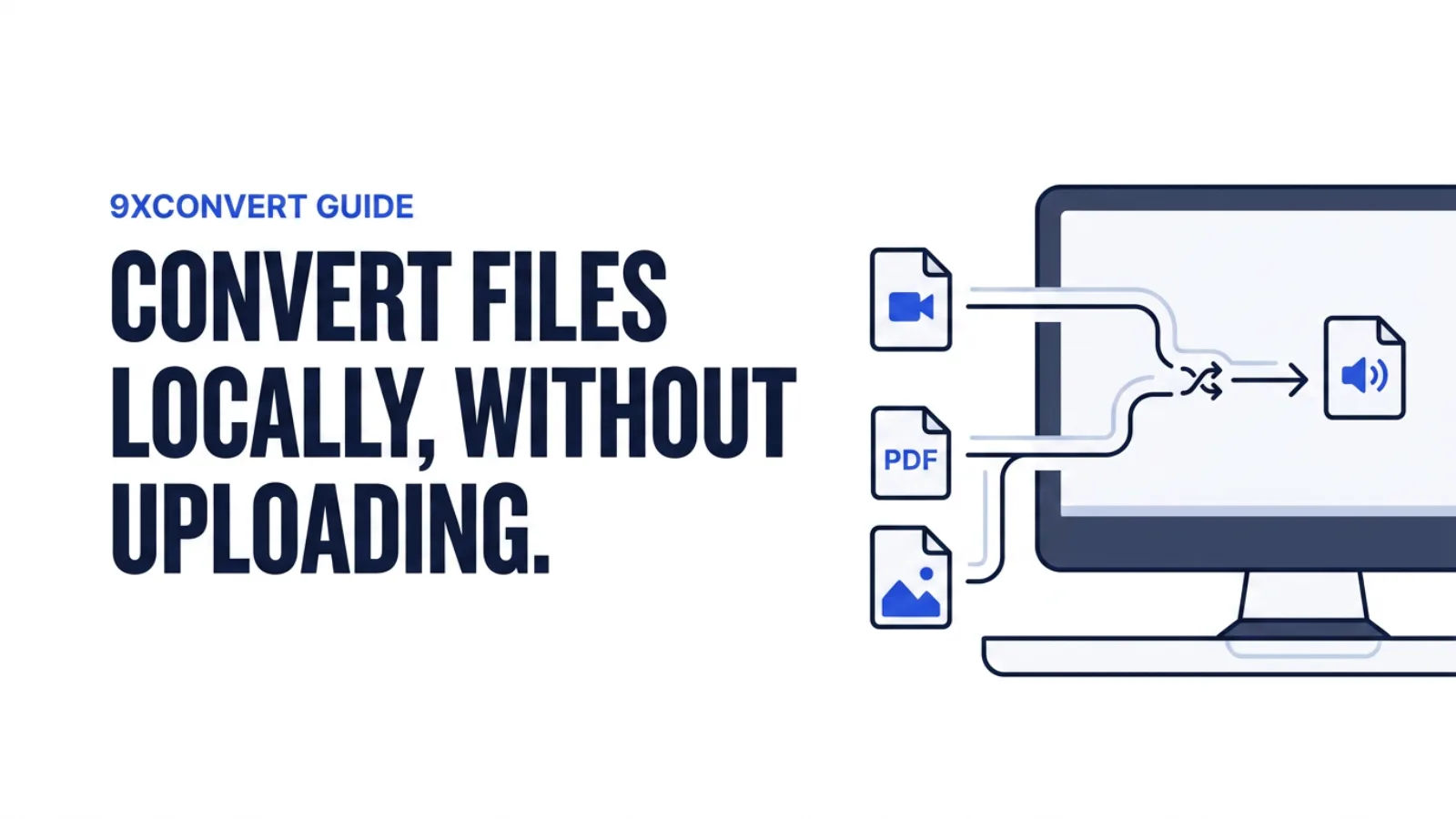
Need to turn a MOV into an MP4? Convert a PDF to DOCX? Change an image format before a deadline?
Most online converters make you upload the file first. That means waiting for it to reach a server, hoping the upload does not fail, and trusting an unfamiliar website with your content.
For a quick format fix, that is more hassle than it should be.
Your files should not have to leave your device
A video, PDF, image, audio file or document can carry personal, school, work or client information. Uploading it to a random conversion site means sending it somewhere else just to change the format.
With 9xconvert, a free offline file converter, local conversions happen on your own device:
- Your files are not uploaded to a conversion server.
- Converted files stay in the output folder you choose.
- There is no upload wait before the conversion begins.
- Local conversion has no server-based file-size limit.
So whether it is a large video, a private PDF or a folder of images, the data stays on your machine.
One app for the formats that never just work
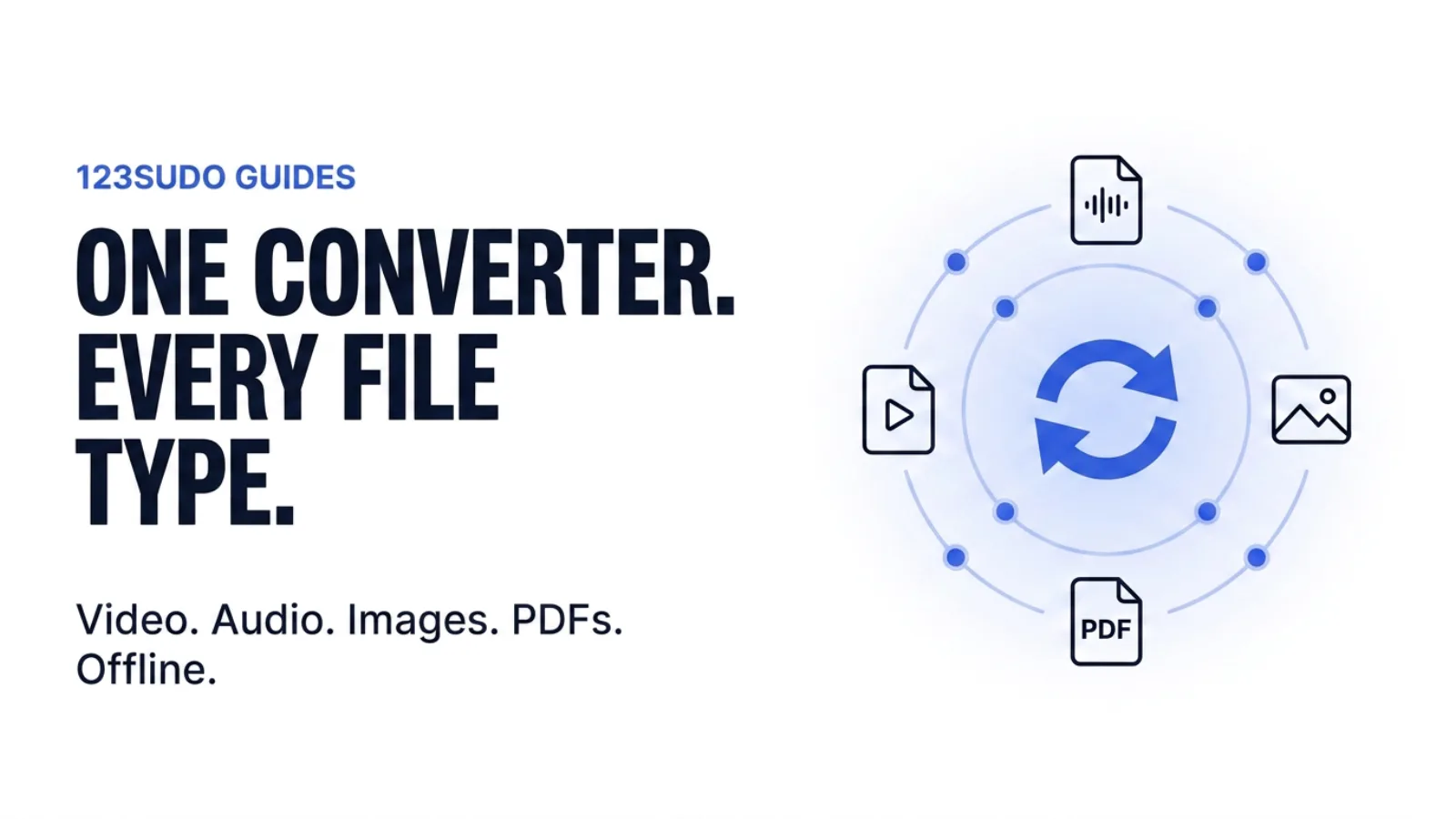
9xconvert includes 100+ tools for everyday file problems:
- Video and audio conversion
- Image and GIF conversion
- Subtitle tools
- PDF and document conversion
- Formats including DOCX, TXT, Markdown, HTML and EPUB
Instead of bouncing between converter websites, search for the tool you need, add your file, pick an output format and convert locally.
A UID, not a signup wall
9xconvert uses a 123sudo UID to verify your account and carry your access across devices. Create it inside the app, save it somewhere safe, and use it when you need the account on another supported device. No email, no password.
Creating a UID in the app also starts a free 3-day Pro trial, so you can test the full Pro workflow before deciding whether it is right for you. When the trial ends your files are not touched — the account simply returns to the free plan limits.
Convert offline after verification
Once your UID is verified you can convert and edit local files with no internet connection at all. That matters when:
- Your Wi-Fi is slow or unreliable
- You are travelling
- The video is too large to upload comfortably
- You are working with private documents
- You are racing a deadline
To be precise about it: internet is still needed for UID verification, app updates, and conversions that pull from a URL. Files already on your device convert locally once you are verified.
Stop uploading files just to change a format
File conversion should be simple — choose the file, pick the new format, get back to work. You do not need to hand a private video, PDF or document to a random website to make that happen.
Convert it locally. Your files stay on your device.
Install 9xconvert for Windows, macOS, Linux or Android and start the free 3-day Pro trial.
 9xchat
 9xbuddy