 آن را در Google Play دریافت کنید
حریم خصوصی
تبدیل فایل محلی روی دستگاه انجام میشود، بدون بارگذاری فایل ورودی روی سرور تبدیل.
ویدیو، صدا، تصویر، GIF، PDF و سند را روی تلفن یا تبلت اندروید بدون آپلود تبدیل کنید. با ۵ خروجی در هر بازهٔ شناور ۲۴ ساعته رایگان شروع کنید. Pro تبدیل نامحدود، دستههای بزرگتر و دانلود از URL را اضافه میکند.
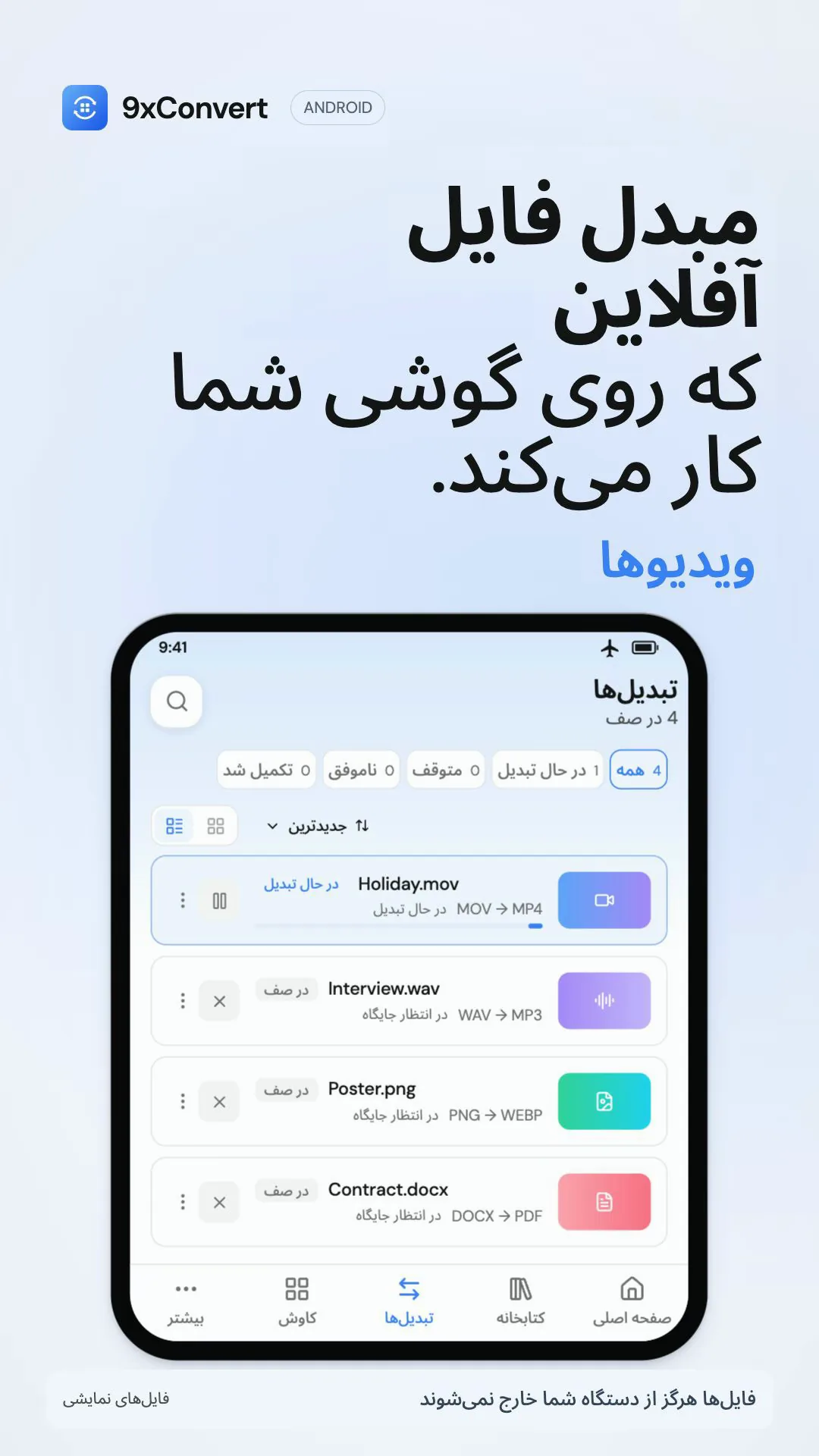
فایلها را انتخاب کنید یا از برنامه دیگری به اشتراک بگذارید. از ویرایشگرهای محلی رایگان، جریان های داخلی و کتابخانه استفاده کنید. رایگان شامل دسته ای تا 5 فایل، یک تبدیل در یک زمان و 3 جریان سفارشی است. دانلودهای URL به Pro نیاز دارند.

ابزارهای جستجو برای ویدئو، صدا، تصاویر، فایلهای GIF، فایلهای PDF، زیرنویسها، اسناد و دادهها. از یک جریان داخلی شروع کنید یا قالب و تنظیمات خود را ذخیره کنید. رایگان شامل 3 جریان سفارشی. Pro این محدودیت را حذف می کند.

فایل های تمام شده را در کتابخانه، با جستجو، مجموعه ها و موارد دلخواه پیدا کنید. پیش نویس ها تنظیمات و ارجاعات ناتمام را به فایل های منبع شما نگه می دارند، نه رسانه های تکراری. این ویژگی ها رایگان می مانند. انتقال یا حذف یک فایل منبع می تواند از ادامه پیش نویس جلوگیری کند.
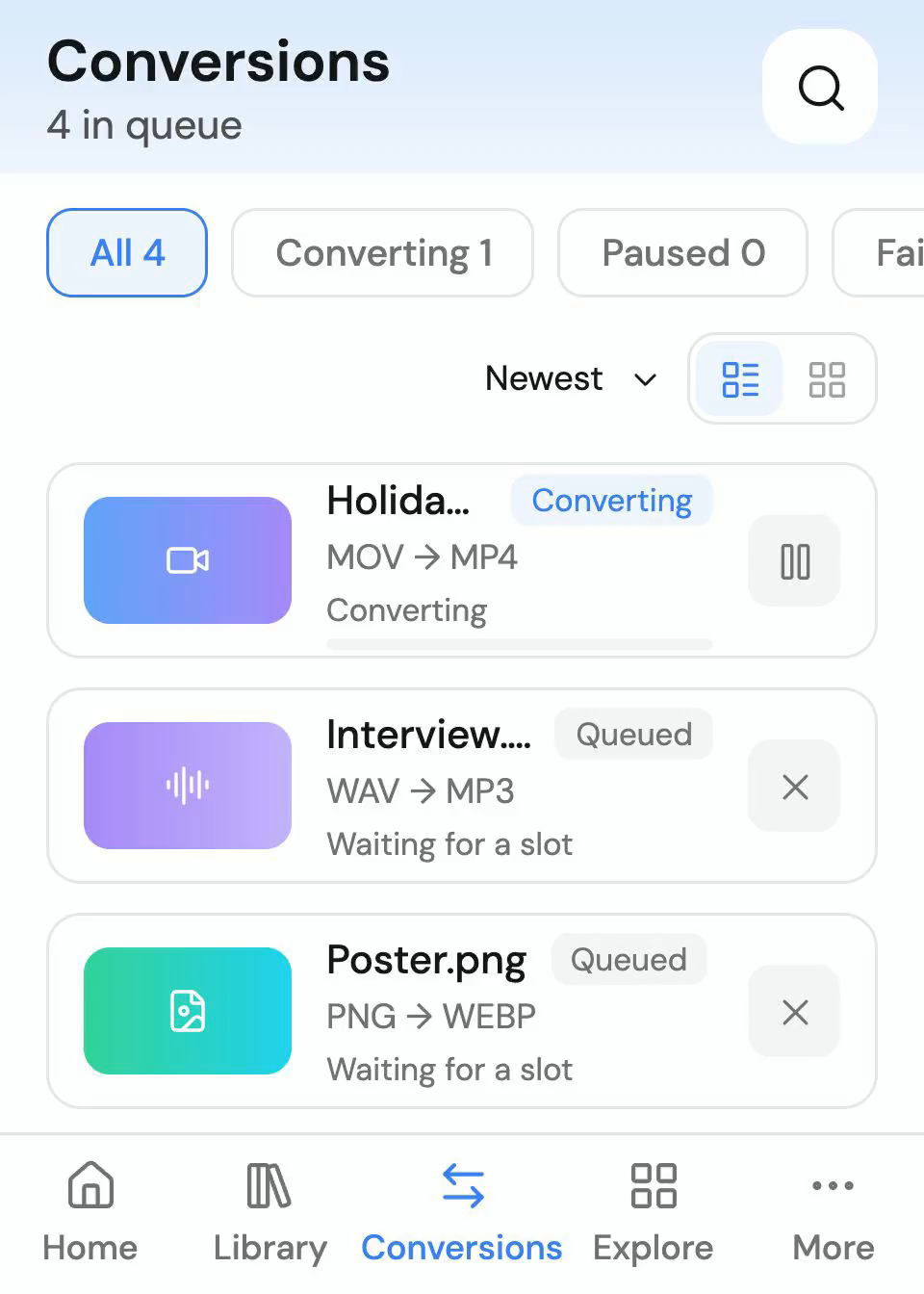
فایلهای محلی را انتخاب کنید یا آنها را از یک برنامه اندرویدی دیگر به 9xConvert به اشتراک بگذارید. رایگان تا 5 فایل در هر دسته، 5 خروجی در هر نورد 24 ساعت و یک تبدیل در یک زمان پشتیبانی می کند. Pro دسته های نامحدود و تبدیل های موازی را اضافه می کند. محدودیت باتری و ذخیره سازی اندروید می تواند بر کارهای طولانی مدت تأثیر بگذارد.
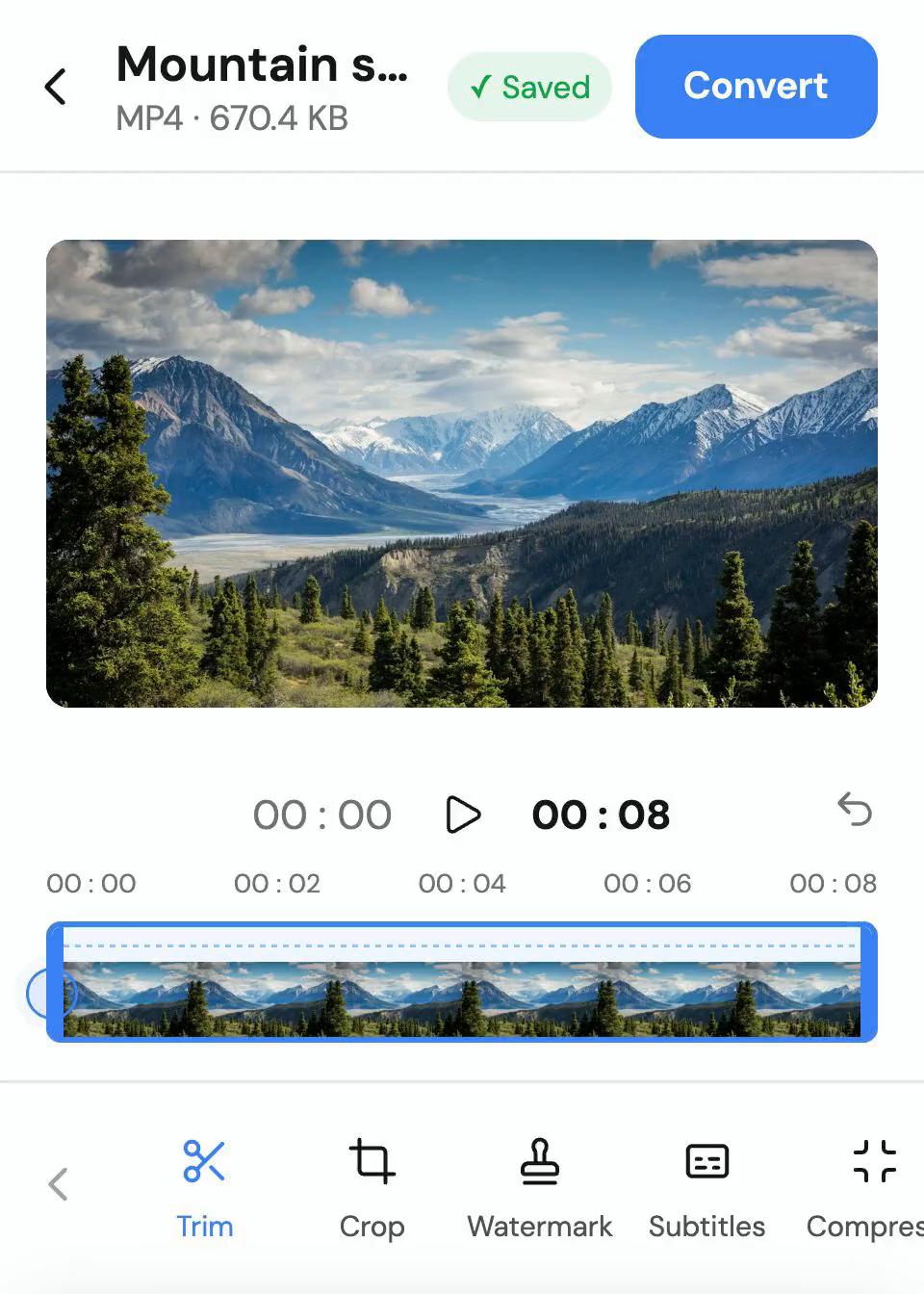
ویدیو، GIF و صدا را کوتاه کنید، ویدیو و GIF را برش دهید یا تغییر اندازه دهید و از زیرنویس متنی ویدیو خروجی بگیرید. ویرایش در محدودهٔ تبدیل رایگان است؛ ویرایش دوبارهٔ فایل تکمیلشده به Pro نیاز دارد.
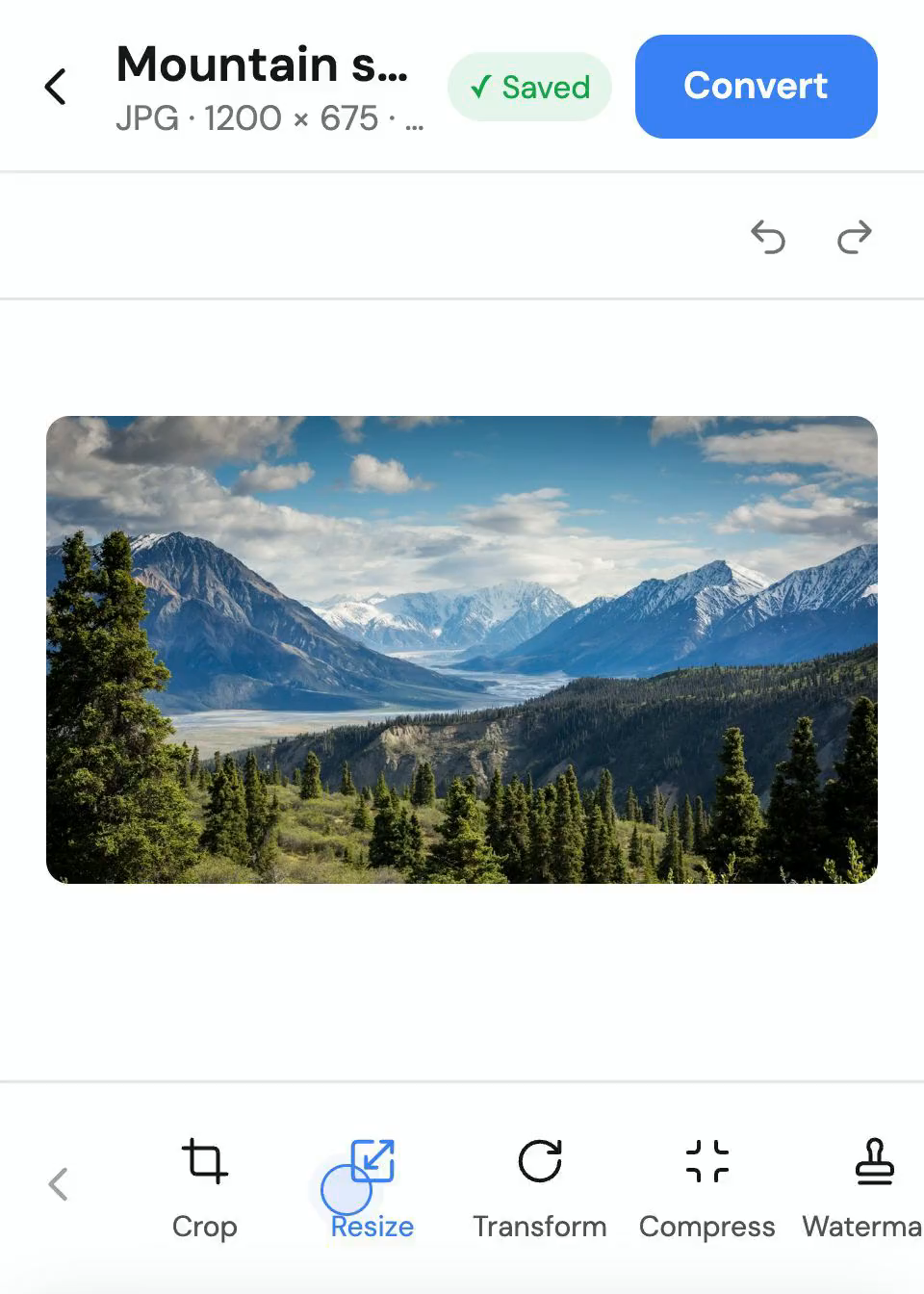
برش، تغییر اندازه، چرخش، فشرده سازی و واترمارک تصاویر در تلفن یا رایانه لوحی خود. قبل از تبدیل از برگه ویرایش محلی استفاده کنید و یک خروجی جداگانه نگه دارید. محدودیت های تبدیل رایگان اعمال می شود. فرمت های ورودی و خروجی پشتیبانی شده بسته به ابزار متفاوت است.
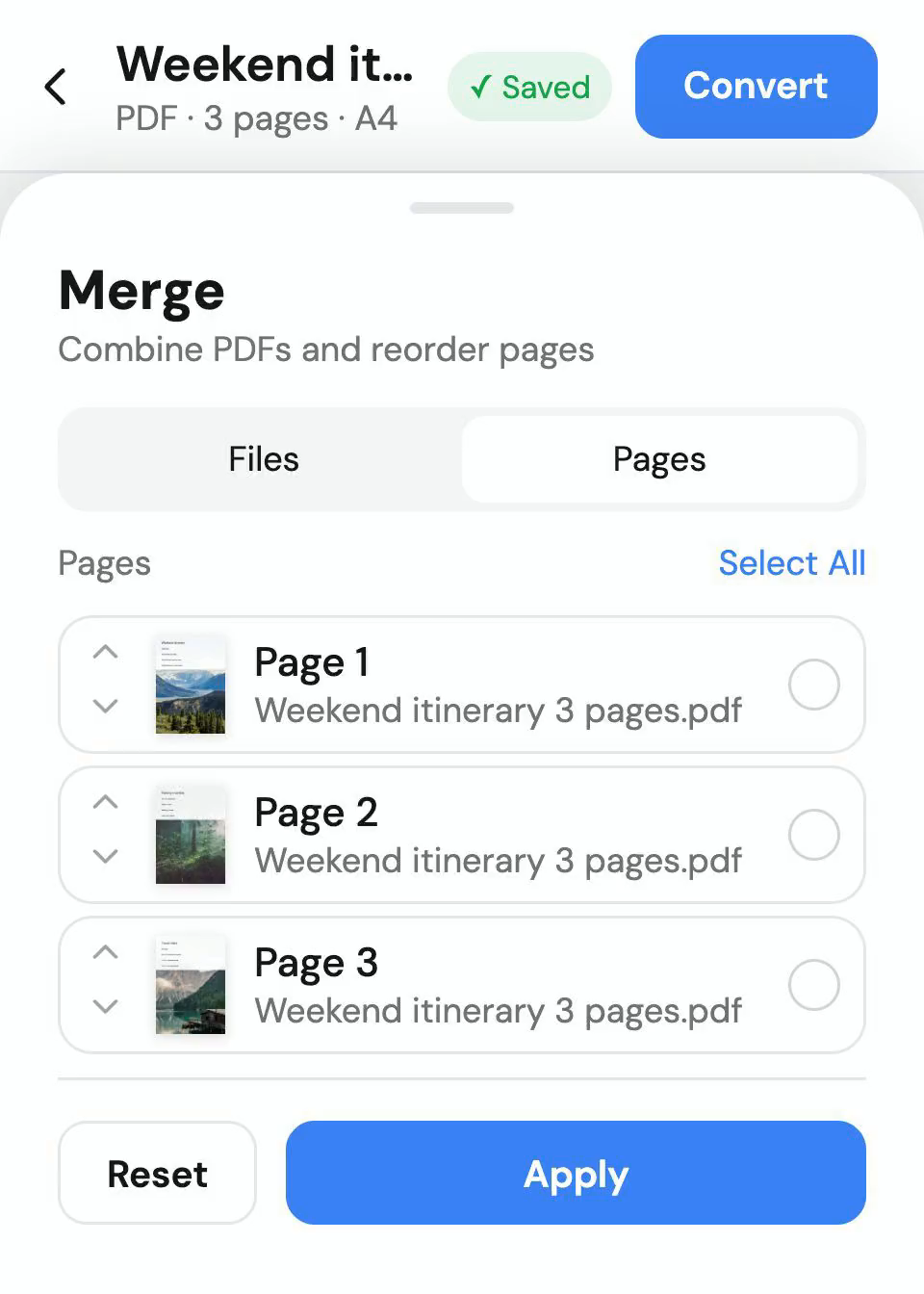
PDF ها را ادغام یا تقسیم کنید، صفحات را دوباره مرتب کنید، بچرخانید یا حذف کنید، واترمارک اضافه کنید و تصاویر را به PDF تبدیل کنید. این ابزارهای محلی از کمک هزینه تبدیل رایگان شما استفاده می کنند. فشرده سازی PDF دارای نقاط قوت مختلف است. خروجی شطرنجی قویتر میتواند قسمتهای متن و فرم قابل انتخاب را از دست بدهد.
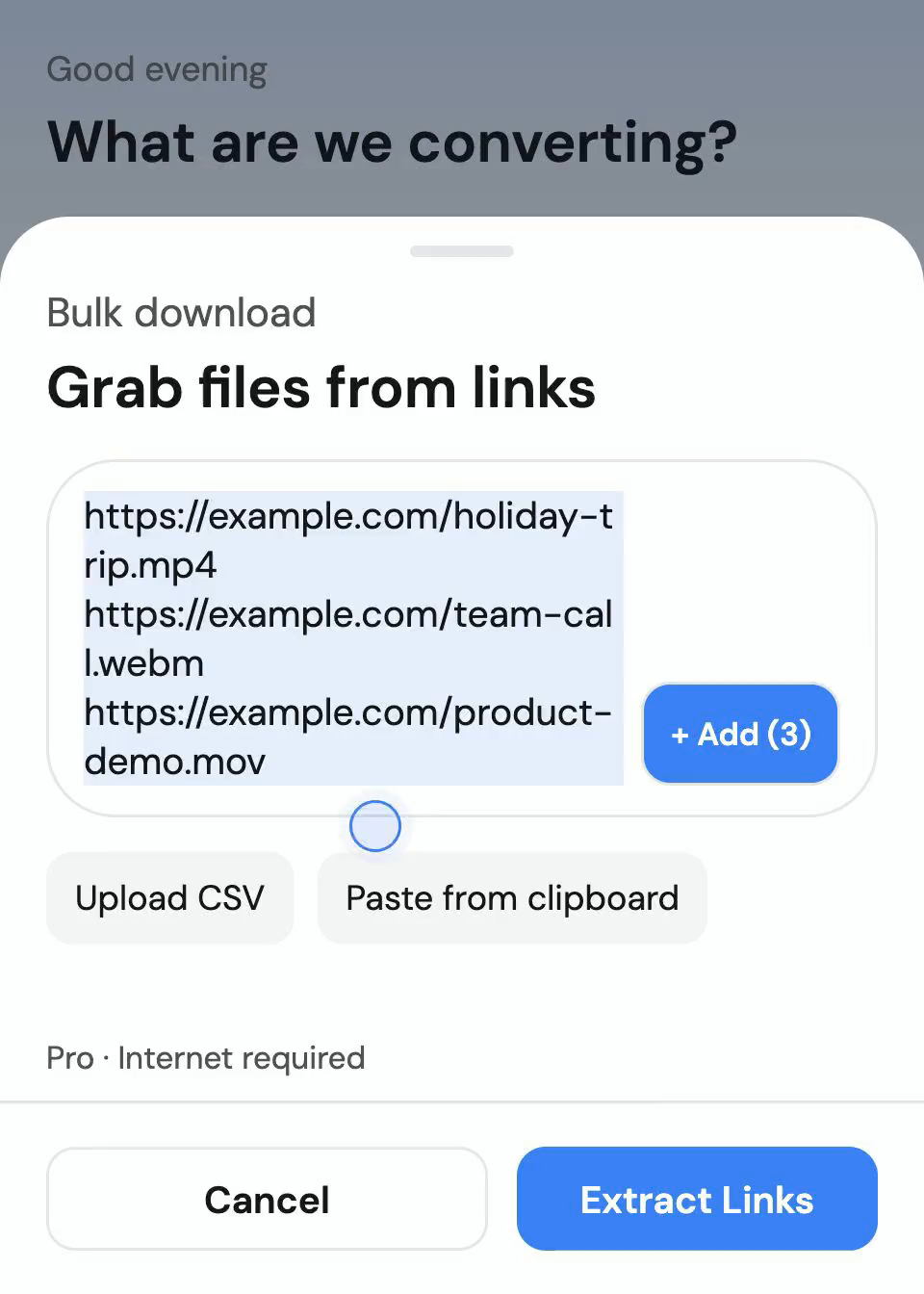
با Pro، از پیوندهای پشتیبانیشده بهصورت تکی یا گروهی دانلود کنید. چند پیوند را جایگذاری کنید یا فهرستی را از یک فایل متنی یا CSV وارد کنید، سپس فایلهای دانلودشده را به فرمت موردنیازتان تبدیل کنید. نسخه Google Play از YouTube دانلود نمیکند. سایتها و قالبهای موجود به منبع بستگی دارند. فقط محتوایی را دانلود کنید که متعلق به شماست یا اجازه ذخیره آن را دارید.
توسط افرادی که برنامه را نصب کردهاند در Google Play گذاشته شده است.
Chirag Jain
I love that this app processes everything locally on my device using hardware acceleration. Most other converters make you upload your files to a cloud server, which takes forever and feels unsafe. 9xconvert is incredibly fast, handles 50+ formats, and keeps my private documents and videos secure. The batch conversion queue is a massive time-saver for anyone dealing with bulk files. Highly recommended!Icy Soda
very smooth experience. other apps freeze my phone when converting but this one run quietly in background. best.Mohit Jarmal
Fantastic app. It is the best app for editing videos and provides all the tools needed, will definitely recommend using this app.Vaithiyanathan Vedham
its very useful for downloading mp4 or mp3 thank u very much for providing this wonderful appaditi arora
This is so handy. Used it a few times already and it never disappoints. Quick, simple, and just gets the job done.123sudo
Thank you very much for your 5-star review!!!
تبدیل فایل محلی روی دستگاه انجام میشود، بدون بارگذاری فایل ورودی روی سرور تبدیل.
فایل های تمام شده را در کتابخانه، با جستجو، مجموعه ها و موارد دلخواه پیدا کنید. پیش نویس ها تنظیمات و ارجاعات ناتمام را به فایل های منبع شما نگه می دارند، نه رسانه های تکراری. این ویژگی ها رایگان می مانند. انتقال یا حذف یک فایل منبع می تواند از ادامه پیش نویس جلوگیری کند.
9xConvert بدون آپلود فایل ها به سرور تبدیل، در دستگاه اندرویدی شما تبدیل و ویرایش می کند. سرعت واقعی و اندازه عملی فایل به تلفن یا رایانه لوحی شما، فضای ذخیره سازی موجود، فرمت منبع و تنظیمات خروجی بستگی دارد.
همه پاسخ هایی که نیاز دارید - از راه اندازی و ویژگی ها گرفته تا قیمت و امنیت.
9xConvert بدون آپلود فایل ها به سرور تبدیل، در دستگاه اندرویدی شما تبدیل و ویرایش می کند. سرعت واقعی و اندازه عملی فایل به تلفن یا رایانه لوحی شما، فضای ذخیره سازی موجود، فرمت منبع و تنظیمات خروجی بستگی دارد.
پس از تأیید حساب، تبدیلهای محلی و ویرایش بدون اتصال به اینترنت، در طرح فعلی شما کار میکنند. دانلودهای URL، تأیید حساب و بهروزرسانیهای برنامه نیاز به اتصال دارند.
بله. رایگان تا 5 فایل در هر دسته و 5 خروجی در هر چرخش 24 ساعته را پشتیبانی می کند که هر بار پردازش می شوند. Pro آن محدودیت ها را حذف می کند و تبدیل های موازی را اضافه می کند. محدودیتهای باتری Android و فضای ذخیرهسازی موجود میتواند بر پردازش پسزمینه تأثیر بگذارد.
از Android Share یا Open with برای ارسال فایل های محلی پشتیبانی شده به 9xConvert استفاده کنید، سپس قالب یا جریان داخلی را انتخاب کنید. اشتراک گذاری فایل محلی در محدوده تبدیل رایگان است. پیوندهای مشترک و جریان های سفارشی در برگه اشتراک به Pro نیاز دارند.
فایل های تمام شده را در کتابخانه، با جستجو، مجموعه ها و موارد دلخواه پیدا کنید. پیش نویس ها تنظیمات و ارجاعات ناتمام را به فایل های منبع شما نگه می دارند، نه رسانه های تکراری. این ویژگی ها رایگان می مانند. انتقال یا حذف یک فایل منبع می تواند از ادامه پیش نویس جلوگیری کند.
هر دو گزینه برنامههای Android هستند. Google Play نصب و بهروزرسانی را از طریق فروشگاه انجام میدهد. نسخه APK امکان دانلود بهروزرسانی در برنامه را میدهد تا هر زمان آماده بودید آن را نصب کنید. نسخه Google Play محتوایی از YouTube دانلود نمیکند. دانلود از نشانیهای دیگر همچنان به Pro نیاز دارد و به منبع بستگی دارد.
9xConvert را برای تلفن یا رایانه لوحی Android از Google Play یا دانلود APK دریافت کنید. با تبدیل های محلی رایگان شروع کنید. هنگامی که به حجم یا URL بیشتری نیاز دارید، Pro را انتخاب کنید.
مشاهده همه دانلودها