 Get it on Google Play
Privacy
Local file conversion runs on your device without uploading the input files to a conversion server.
Convert video, audio, images, GIFs, PDFs and documents on your Android phone or tablet without uploading them. Start free with 5 outputs per rolling 24 hours. Pro adds unlimited conversions, larger batches and URL downloads.
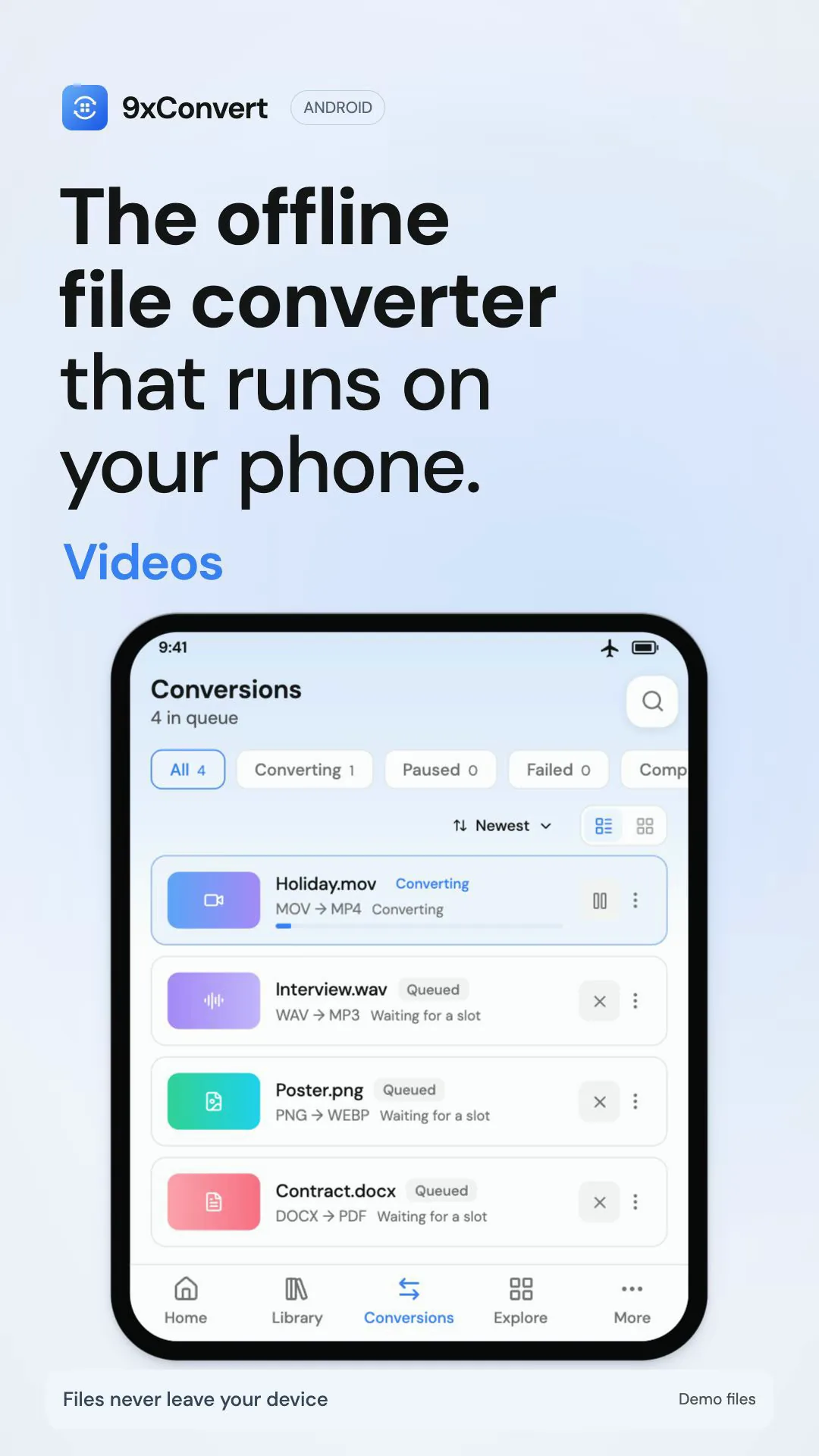
Pick files or share them from another app. Use free local editors, built-in flows and Library. Free includes batches of up to 5 files, one conversion at a time and 3 custom flows. URL downloads require Pro.

Search tools for video, audio, images, GIFs, PDFs, subtitles, documents and data. Start from a built-in flow or save your own format and settings. Free includes 3 custom flows; Pro removes that limit.

Find finished files in Library, with search, collections and favourites. Drafts keep unfinished settings and references to your source files, not duplicate media. These features stay free; moving or deleting a source file can prevent a draft from resuming.
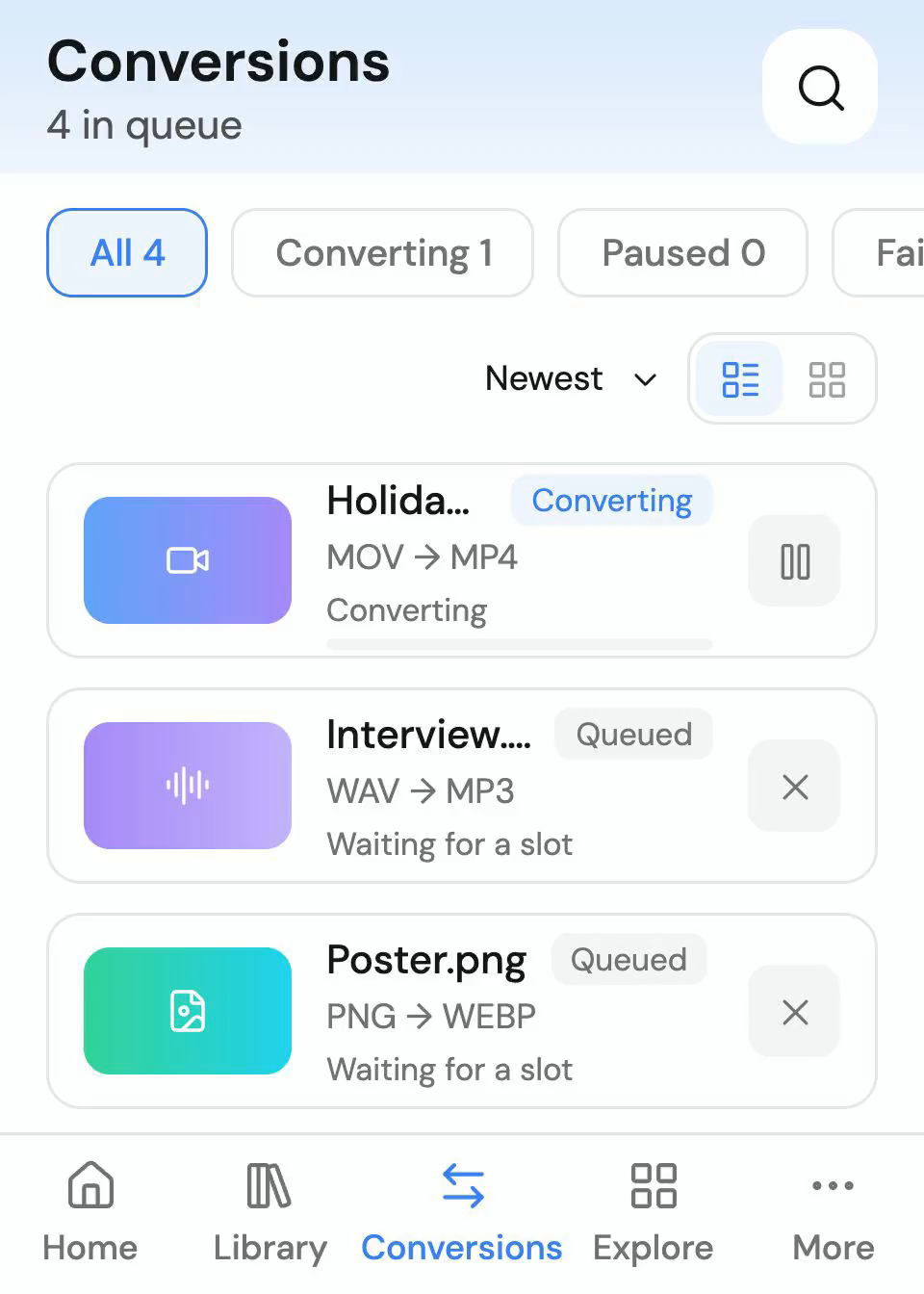
Select local files or share them to 9xConvert from another Android app. Free supports up to 5 files per batch, 5 outputs per rolling 24 hours and one conversion at a time. Pro adds unlimited batches and parallel conversions. Android battery and storage restrictions can affect long jobs.
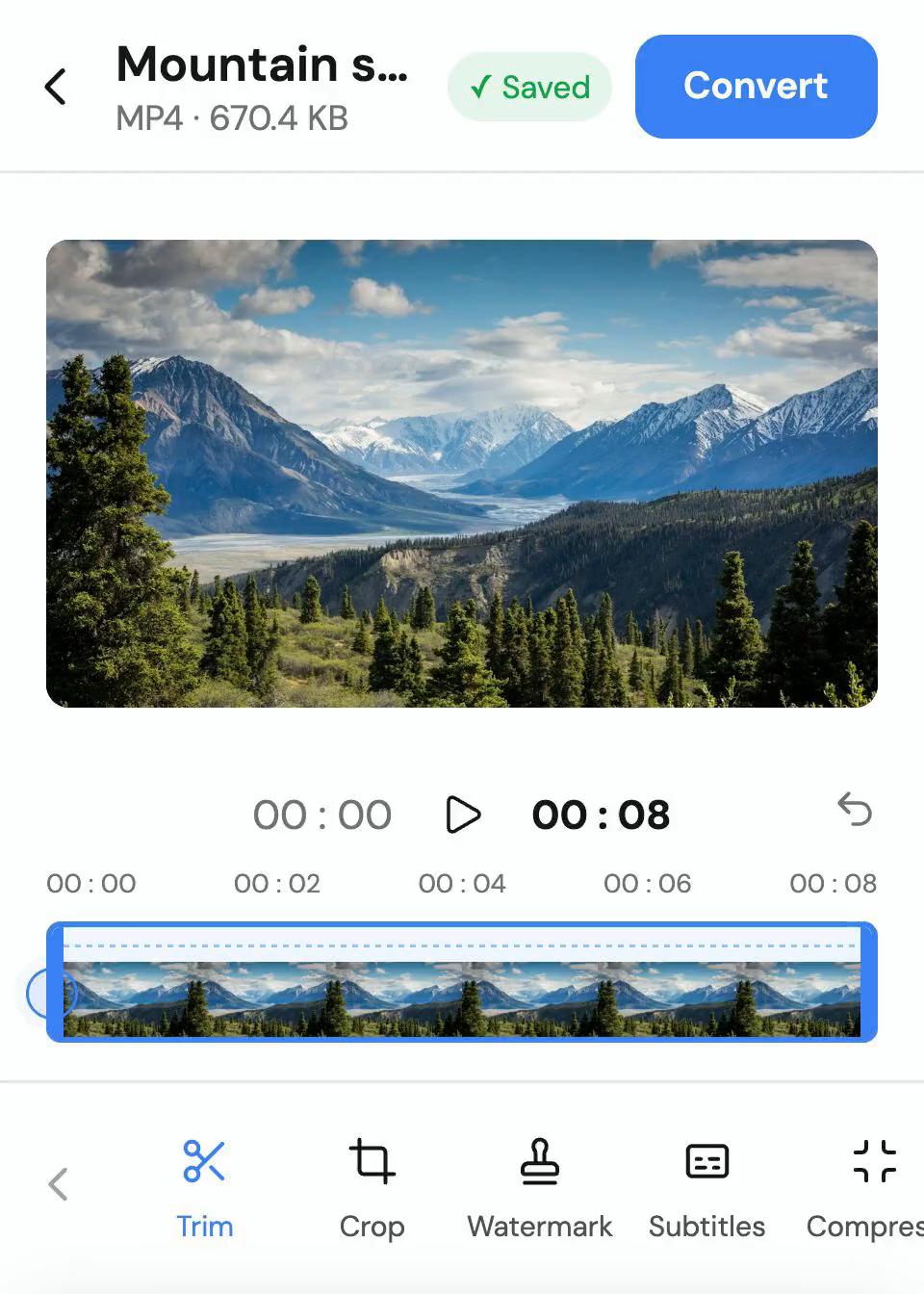
Trim video, GIFs and audio. Crop and resize video and GIFs, not audio. Editing is Free within conversion limits; editing a finished file requires Pro.
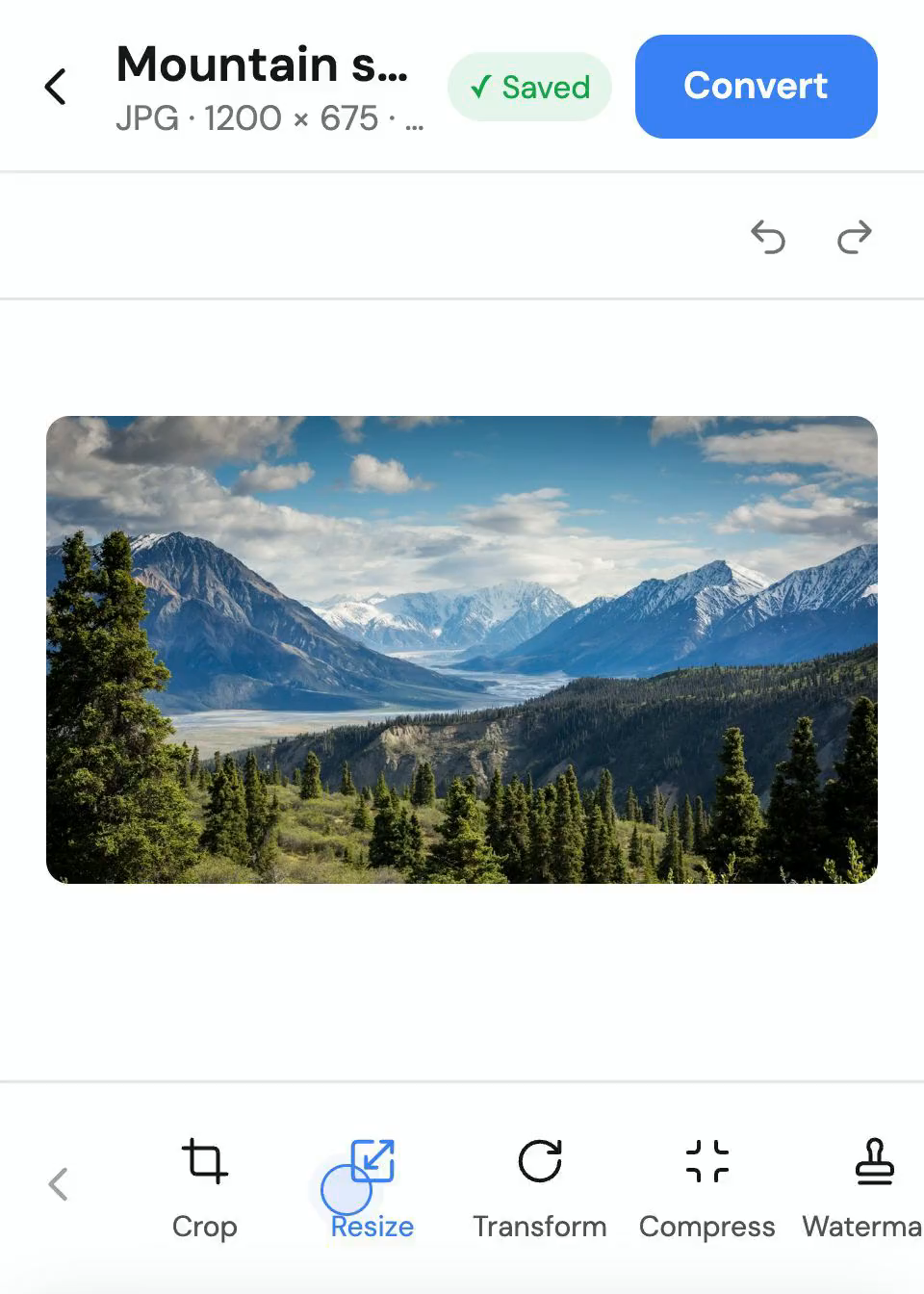
Crop, resize, rotate, compress and watermark images on your phone or tablet. Use the local edit sheet before converting and keep a separate output. Free conversion limits apply; supported input and output formats vary by tool.
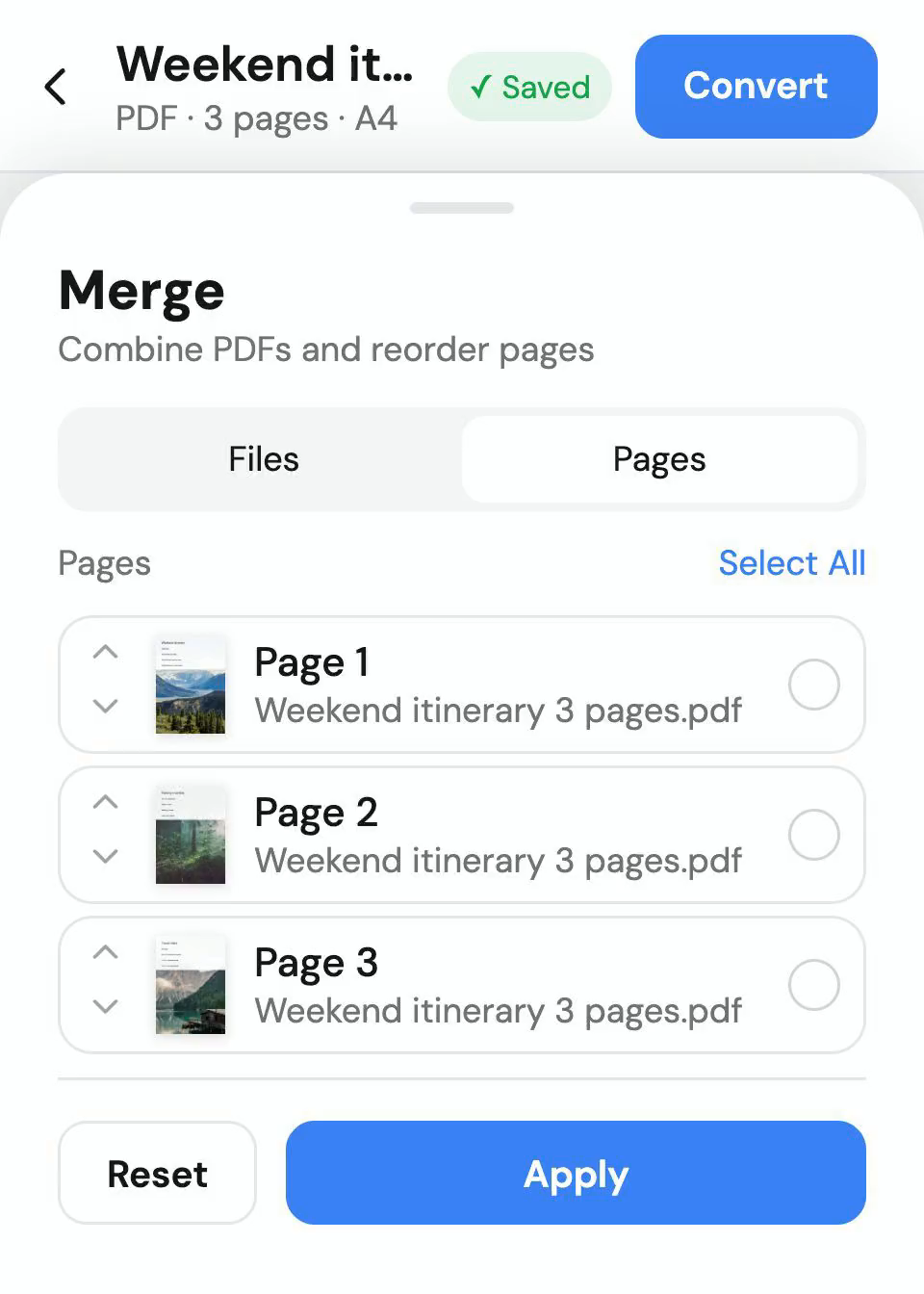
Merge or split PDFs, reorder, rotate or remove pages, add watermarks and turn images into a PDF. These local tools use your free conversion allowance. PDF compression has different strengths; stronger rasterised output can lose selectable text and form fields.
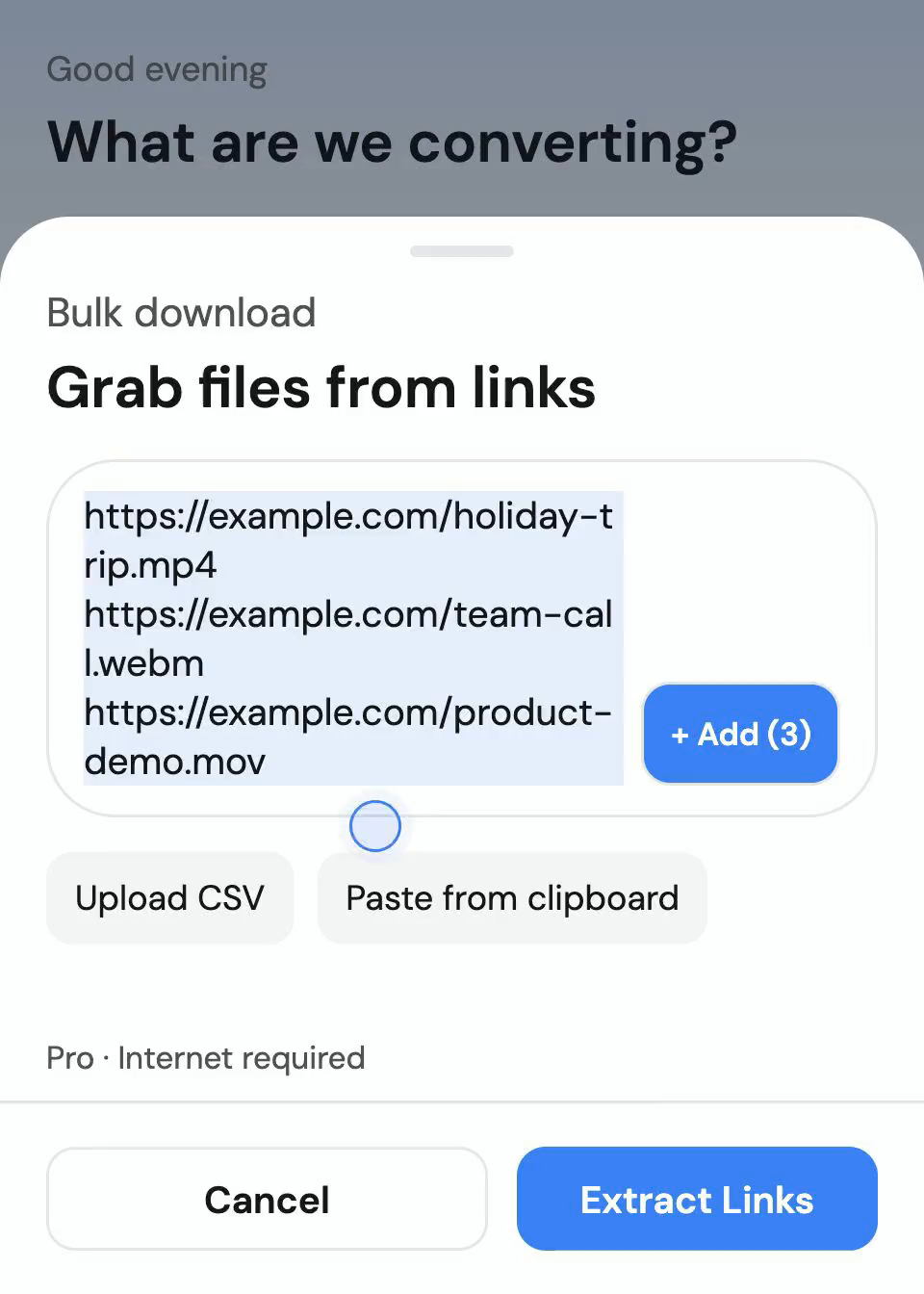
With Pro, download from supported links individually or in bulk. Paste several links or import a text or CSV list, then convert the downloaded files to the format you need. The Google Play version does not download from YouTube. Sites and downloadable formats depend on the source. Only download content you own or have permission to save.
Left on Google Play by people who installed the app.
Chirag Jain
I love that this app processes everything locally on my device using hardware acceleration. Most other converters make you upload your files to a cloud server, which takes forever and feels unsafe. 9xconvert is incredibly fast, handles 50+ formats, and keeps my private documents and videos secure. The batch conversion queue is a massive time-saver for anyone dealing with bulk files. Highly recommended!Icy Soda
very smooth experience. other apps freeze my phone when converting but this one run quietly in background. best.Mohit Jarmal
Fantastic app. It is the best app for editing videos and provides all the tools needed, will definitely recommend using this app.Vaithiyanathan Vedham
its very useful for downloading mp4 or mp3 thank u very much for providing this wonderful appaditi arora
This is so handy. Used it a few times already and it never disappoints. Quick, simple, and just gets the job done.123sudo
Thank you very much for your 5-star review!!!
Local file conversion runs on your device without uploading the input files to a conversion server.
Find finished files in Library, with search, collections and favourites. Drafts keep unfinished settings and references to your source files, not duplicate media. These features stay free; moving or deleting a source file can prevent a draft from resuming.
9xConvert converts and edits on your Android device without uploading files to a conversion server. Actual speed and practical file sizes depend on your phone or tablet, available storage, source format and output settings.
All the answers you need - from setup and features to pricing and security.
9xConvert converts and edits on your Android device without uploading files to a conversion server. Actual speed and practical file sizes depend on your phone or tablet, available storage, source format and output settings.
After account verification, local conversions and editing work without an internet connection, within your current plan. URL downloads, account verification and app updates require a connection.
Yes. Free supports up to 5 files per batch and 5 outputs per rolling 24 hours, processed one at a time. Pro removes those limits and adds parallel conversions. Android battery restrictions and available storage can affect background processing.
Use Android Share or Open with to send supported local files to 9xConvert, then choose a format or built-in flow. Local file sharing is free within the conversion limits. Shared links and custom flows in the share sheet require Pro.
Find finished files in Library, with search, collections and favourites. Drafts keep unfinished settings and references to your source files, not duplicate media. These features stay free; moving or deleting a source file can prevent a draft from resuming.
Both options are Android apps. Google Play handles store installation and updates; the APK offers in-app update downloads that you install when ready. The Google Play build does not download from YouTube. Other URL downloads still require Pro and depend on the source.
Get 9xConvert for an Android phone or tablet from Google Play or the APK download. Start with free local conversions; choose Pro when you need more volume or URL downloads.
See all downloads