 9xchat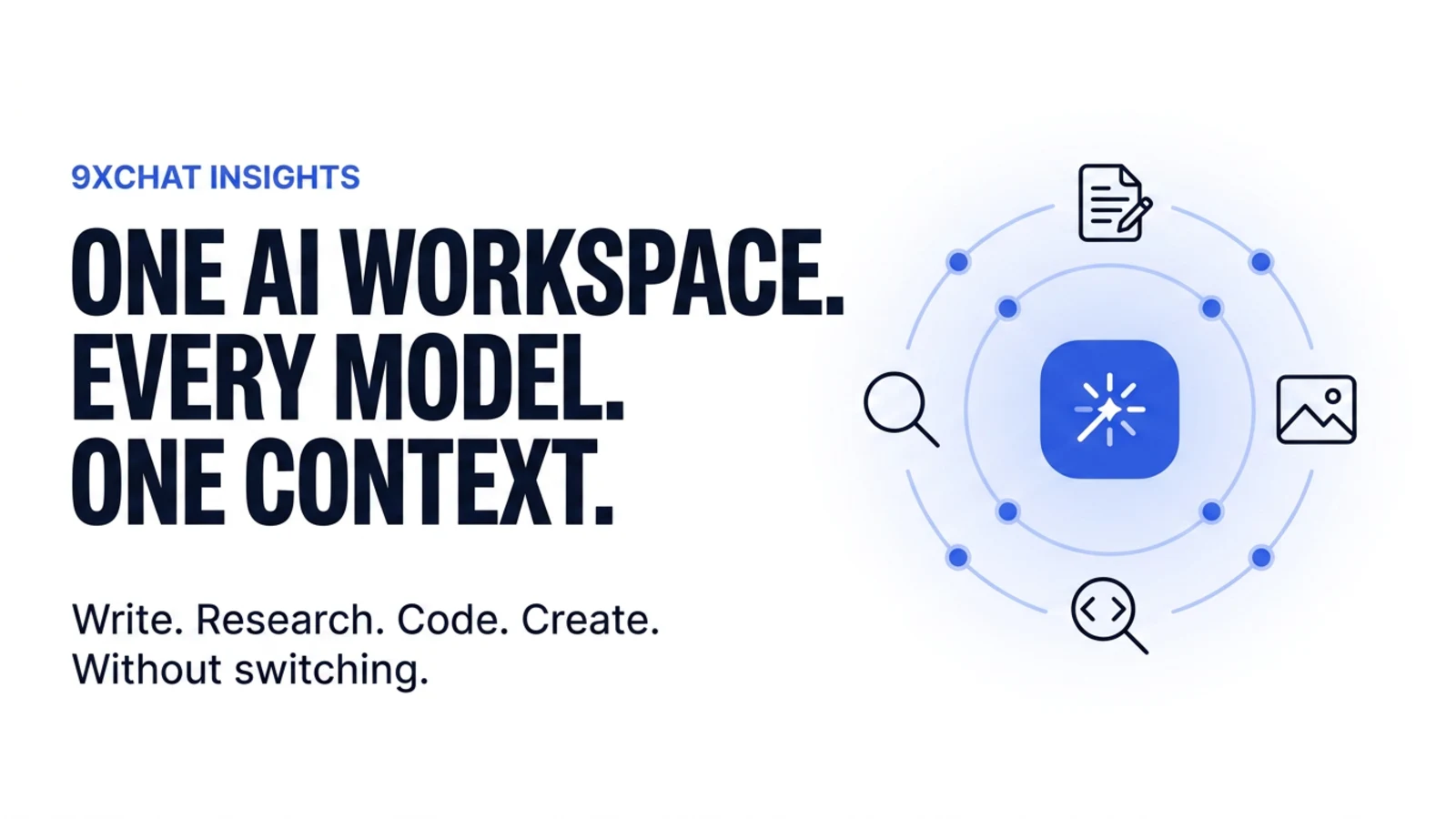
You use one AI for writing, another for research, another for coding, and another for images.
Then come the browser tabs, separate subscriptions, lost chats, scattered files, and the same project explanation pasted into a new AI window for the third time that day.
That is AI subscription sprawl.
9xchat was built to fix it.
One workspace. Every model. Less repeating. More shipping.
What is 9xchat?
9xchat is a private, agentic AI workspace for cloud and local models. It brings your conversations, notes, files, research tools, coding workflows, images, and reusable instructions into one place.
Write with one model. Research with another. Build with a third. Keep the conversation and project context together instead of rebuilding it in a different app every time.
There is no email address, password, or API key required to try it. New accounts start with $1 in welcome credits, so you can explore the workspace before deciding whether to use 9xchat credits, bring your own API key, or run a model locally. See how credits and plans work →
Use the right AI for the job
No model is best at everything.
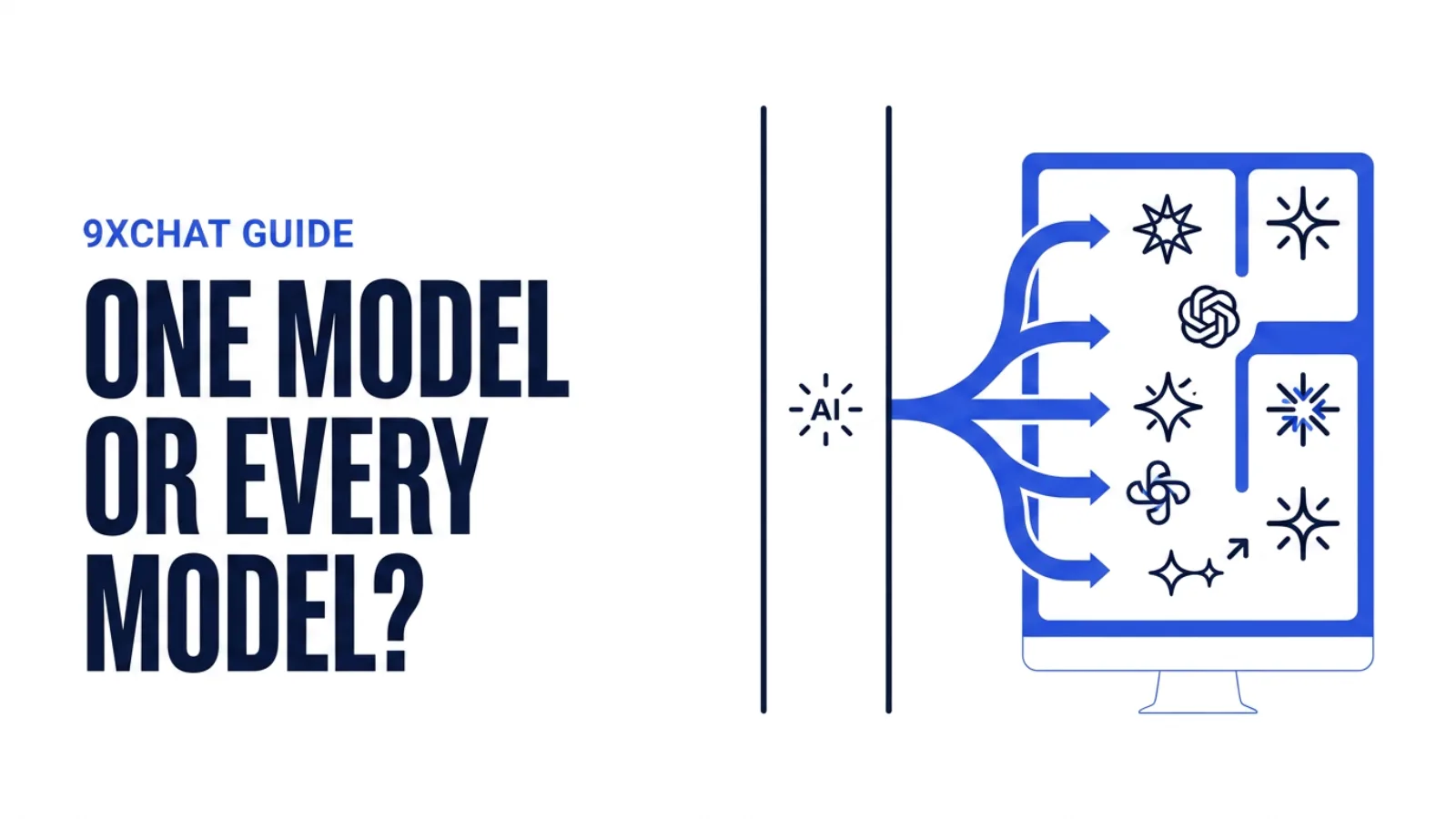
9xchat lets you switch between leading cloud models from GPT, Claude, Gemini, Grok, DeepSeek, and Mistral, alongside local models through Ollama. You can change the model per message, compare approaches, or keep a reliable default for the work you do most often.
Use the model that makes sense for the task:
- Write, rewrite, and brainstorm.
- Research and reason through complex questions.
- Code, debug, and review projects.
- Plan a product, campaign, or business idea.
- Generate visuals and creative concepts.
- Run open-source models locally on your desktop.
You can also add your own provider keys when you want to connect directly to a model provider. The feature guide explains the model and billing choices in more detail.
Keep project context in one place
AI becomes more useful when it understands the project, not just the latest prompt.
9xchat gives that context somewhere to live:
- Chats, folders, notes, and attachments.
- Reusable prompts and specialized agents.
- Knowledge collections built from your own material.
- Memories with global, folder, or session scope.
- Saved models, tools, skills, and workflow settings.
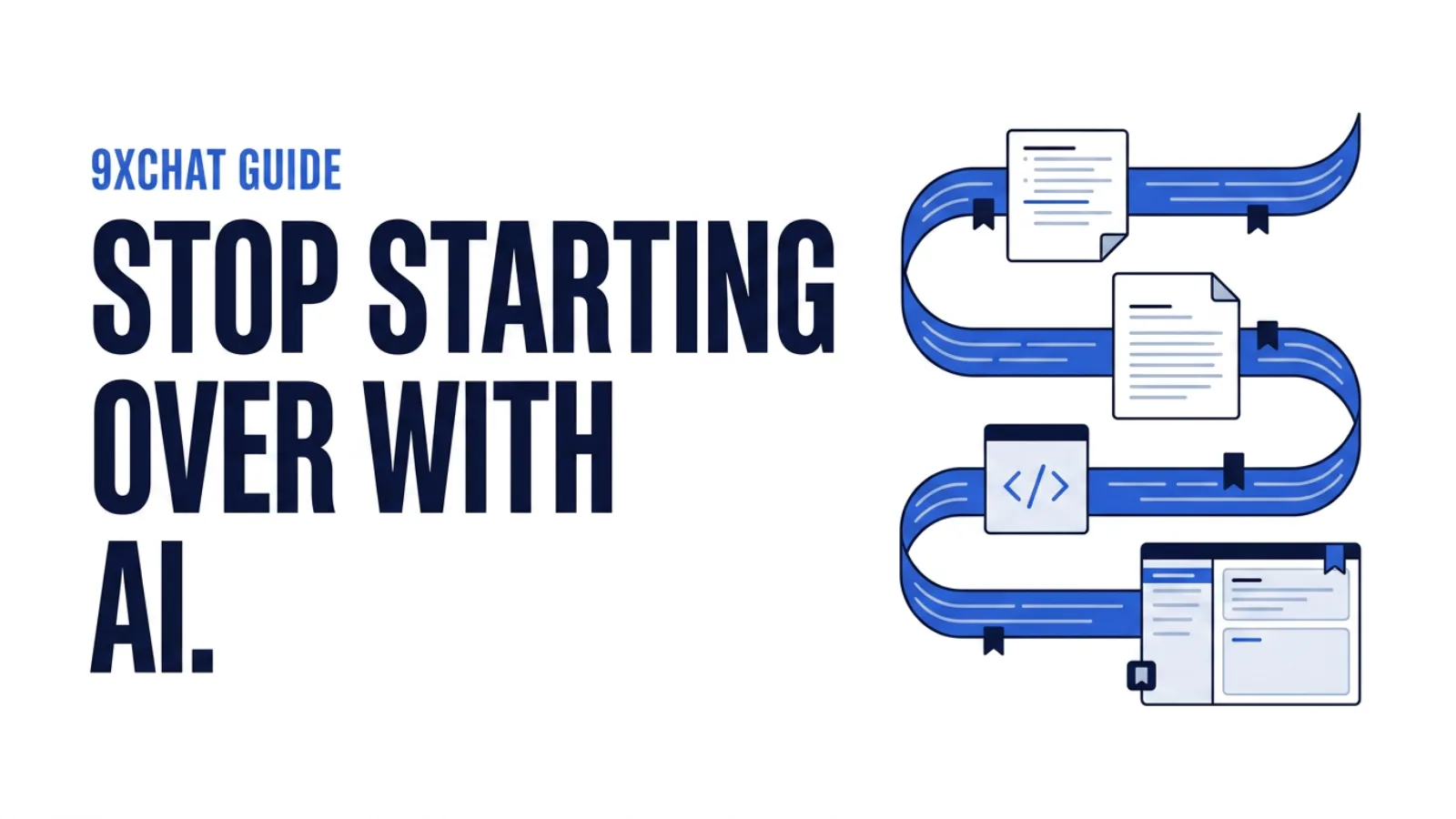
Instead of starting from zero in every new chat, you can build a workspace that becomes more useful over time. The Library and Knowledge and Memories guides show how those pieces fit together.
Research, create, and build without switching tools
9xchat is more than a chat box.
Use live web search, read webpages, pull YouTube transcripts, and bring source citations into the conversation. Turn a reply into a note, export it in the format you need, or use the image playground to move from an idea to a visual without opening another app.
For developers, founders, and people building as they go, the Code workspace works with real project folders. It can inspect files, search a codebase, run scripts and Git operations, review changes, and help refactor or redesign a project. You stay in control: review the proposed diff and decide what to keep. Read about the Code workspace →
Desktop shortcuts make the same assistant available beside the work already in front of you. The floating window stays on top, Mini Chat handles a quick question, Quick Assistant can be summoned with a hotkey, and Smart Screen Capture can send part of your screen into a conversation. Some of these are Pro features; the windows and shortcuts guide has the current details.
Choose how your AI runs
Different work deserves different levels of control.
- Use 9xchat credits for supported cloud models without opening a separate developer account.
- Bring your own API key and pay the provider directly.
- Connect Ollama and run local models on Windows, macOS, or Linux with no 9xchat token fees.
Local inference is the route where the conversation stays on your machine. Cloud requests go to the model provider you selected, while API keys and other local configuration remain under your control. The privacy and data flow guide breaks down what each route sends and where it goes.
You can also take the workspace with you. 9xchat is available on Windows, macOS, Linux, Android, and iOS, with encrypted handoff for moving an active conversation between desktop and mobile.
Stop managing AI tools. Start using AI better.
GPT, Claude, Gemini, and other AI products are powerful. But on their own, they often mean separate chats, separate billing, separate tools, and separate context.
9xchat brings them together in one workspace for every model, every project, and every next step.
If you are done repeating yourself to AI, juggling subscriptions, and forcing real work through disconnected chat tabs, try the 9xchat private AI workspace.