 9xbuddy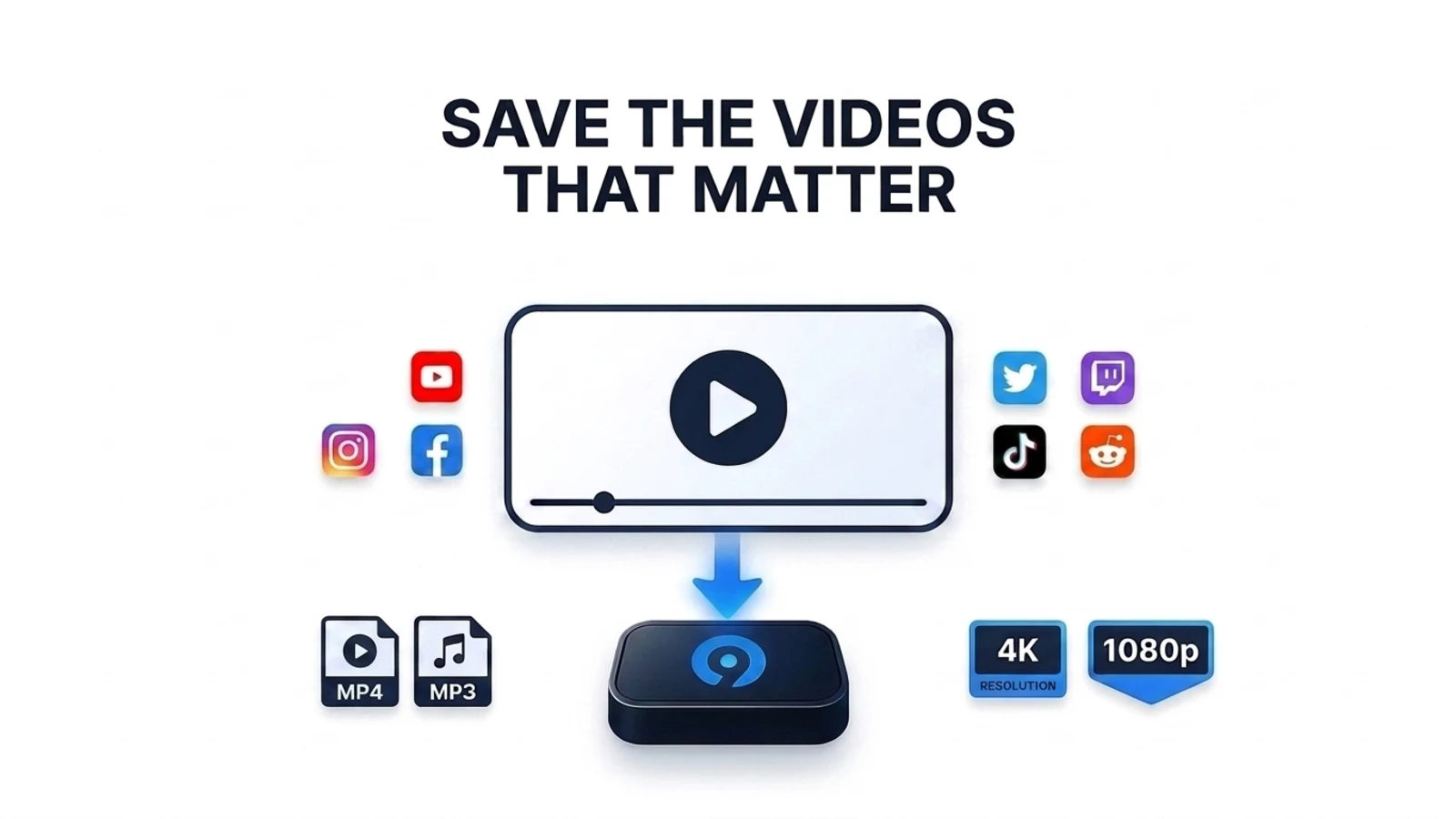
You saw it, you meant to come back to it, and now the link is dead.
It happens constantly and for ordinary reasons. Someone deletes a post. An account is closed or goes private. A creator clears out old uploads. A platform restricts a video in your region, or quietly drops it during a policy sweep. A livestream replay expires after thirty days.
None of that is dramatic. It is just how the internet works now: the thing you watched is hosted on someone else's computer, and they decide how long it stays there.
If a video matters to you — your own upload, a recording of your event, a tutorial you rely on, footage a friend posted of a day you were both there — the only reliable copy is the one on your own disk.
Keeping your own copy
9xbuddy reads a supported page or media link and shows the video, audio, image and subtitle formats that source actually makes available. You pick a format and quality, and the file lands in a folder you chose.
That is the whole loop for a single item. Paste, extract, choose, save.
A few things worth knowing before you start:
- Set your folder once. Under Settings → Files & Folders,
Locationis where every download is written, andDownload Formatcontrols the naming pattern —[title]_[quality]by default, so a 1080p clip called Sunset saves asSunset_1080.mp4. Deciding this early beats sorting a downloads folder later. - Grab the subtitles too. They are listed alongside the video and audio formats when the source provides them. A talk without its captions is a much weaker copy of the same thing.
- Some pages need a real session. If a page will not extract, opening it in the built-in Browser often does it, since some sources only serve media to a fully loaded page.
The part people forget: where it came from
A video file on its own loses its context almost immediately. Six months later
Sunset_1080.mp4 tells you nothing about who posted it, when, or where you
found it.
9xbuddy keeps that record for you. My Files is a list of what you have extracted — whether or not you downloaded it — and each row holds the page title, the source URL, the site it came from, and when you extracted it. You can search it, and you can return to a source without hunting for the link again.
That record is the difference between a file and a copy you can actually stand behind. If the original ever disappears, you still know exactly what you have.
Two habits make it stronger:
- Use the title field. In a batch you can write
title, URLinstead of a bare link, which names the file something you will recognise later. - Note the creator yourself. My Files captures the page title, URL, site and time — it does not record who uploaded it. If that matters for what you are saving, put it in the filename or a text file beside it.
Saving a lot at once
If you are clearing out a playlist or a folder of bookmarks, the batch field on
Home takes one URL per line, accepts title, URL for custom names, and can
import a CSV or TXT list you already have. A playlist or channel URL expands
into its items.
The review step before anything transfers is the useful part: set one quality for the whole batch, override it on the two items that need it, rename entries, drop the ones you did not want, and change the destination folder — all before a single byte moves.
Pasting URLs by hand works on a free account, though that account starts five downloads a day, so a long list will hit the ceiling before it finishes queueing. File import and playlist expansion need a trial or subscription; the plans page has the current details.
Save what you have a right to save
One thing to be clear about, because it matters more than any feature.
9xbuddy is for saving publicly available media that you are allowed to download — your own uploads, material you have permission to keep, content under a licence that permits it, or a personal copy where the law where you live allows one. It is not a way around a paywall, and it does not change who owns what you save.
If other people appear in what you are keeping, treat the copy the way you would want yours treated: keeping something for yourself is not the same as republishing it.
Start with one
You do not need an archiving system. Pick the one video you would actually miss, save it properly with its source noted, and put it somewhere you back up.
9xBuddy is a free private video downloader for Windows, macOS, Linux and Android — a desktop app rather than a website, so nothing about what you save passes through anybody else's server.
The first download guide walks through it end to end, and bulk download covers the rest when one turns into forty.